
Headless Browser is the Top feature for your AI Apps and Agents
Elevate your testing, data collection, scrape websites, automate without APIs: unlock the power of headless browsers for fast, scalable web workflow 🚀
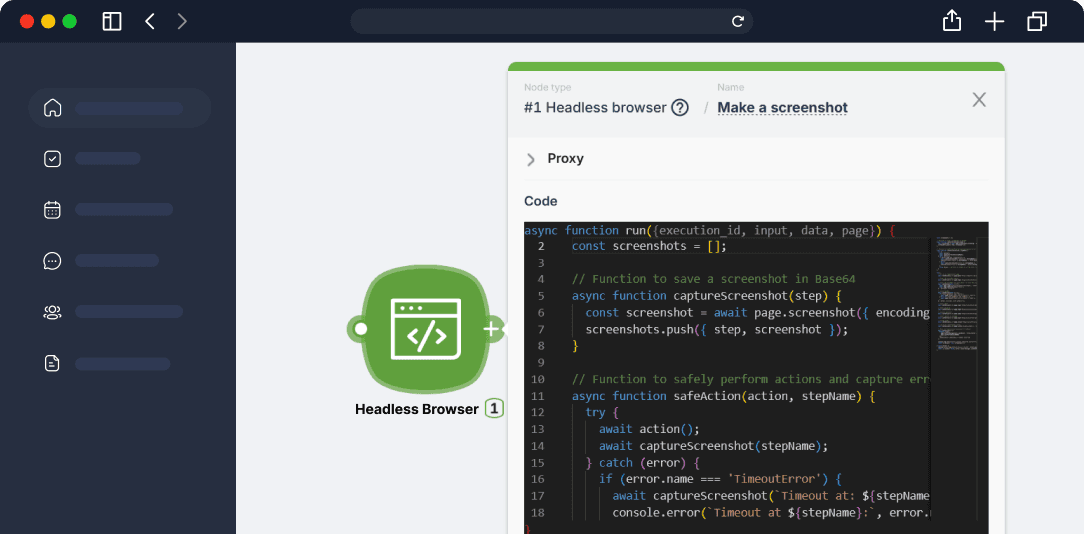
What is a Headless Browser?
Tell the Headless Browser where to go, what to find, where to click, and which text to type or copy — just like a real user.
Imagine a regular internet browser like Chrome or Firefox. Now, remove all the visible interface parts - buttons, address bar, bookmarks. What's left? The "brains" that can navigate the internet, open websites, and interact with them. This is what we call a "headless" browser. It can automate various tasks on websites without displaying visual content and can do this at breakneck speed. A script, not a human, controls the process. A crucial part of the Headless Browser is its ability to run JavaScript custom scripts. It allows you to simulate user actions like clicking buttons, filling out forms, and navigating through a site's menu. This is crucial for tasks like automated testing, web scraping, and automating repetitive tasks on web portals.

Render Dynamic Content
Handle JavaScript-driven SPAs (React, Vue, Angular) as if you were using a full-featured browser, ensuring accurate data capture every time. Headless Browser "sees" the site as a real user sees it, and allows you to automatically interact with interface elements that would otherwise be "hidden" to a regular script.

A Full-Fledged Puppeteer Library
Break free from no-code limitations. In Latenode's advanced environment, you gain full access to Puppeteer: write and customize your own scripts for any automation task—including complex form operations, multi-step workflows, and data extraction. Complete control over your code, along with tight integration with a headless browser, provides maximum flexibility and efficiency for every challenge.

Built-In AI Integration
Headless Browser allows you to "pull" content from websites (texts, images, tables) ready for analysis. After parsing or interaction, you can immediately pass the results to an AI node for classification, description generation, sentiment analysis, etc. Headless Browser provides data as if a real user "saw" it, which increases the accuracy of AI analysis.

Scalable Infrastructure
For web tests, parsing large data arrays or mass scenarios, you often need not one browser, but tens/hundreds of parallel sessions. Latenode automates the management of headless browsers in the cloud. You can quickly scale the number of instances (serverless architecture) without worrying about manual deployment and configuration.

Log in & Real-Time Insights
Monitor every click, data extraction, and error in real time. Troubleshoot your automation flows quickly and effectively. An automated browser executes a sequence of actions as a human would, but without a visual shell. Latenode provides a convenient interface for viewing logs and results of each headless browser launch.

Secure & Isolated
Each browser runs as a separate process (or container), executing scripts in its own "sandbox". When working with multiple automation flows, you need to avoid conflicts and data leaks (cookies, sessions). Isolation of headless browsers ensures security and stable operation, especially when executing different scripts in parallel.
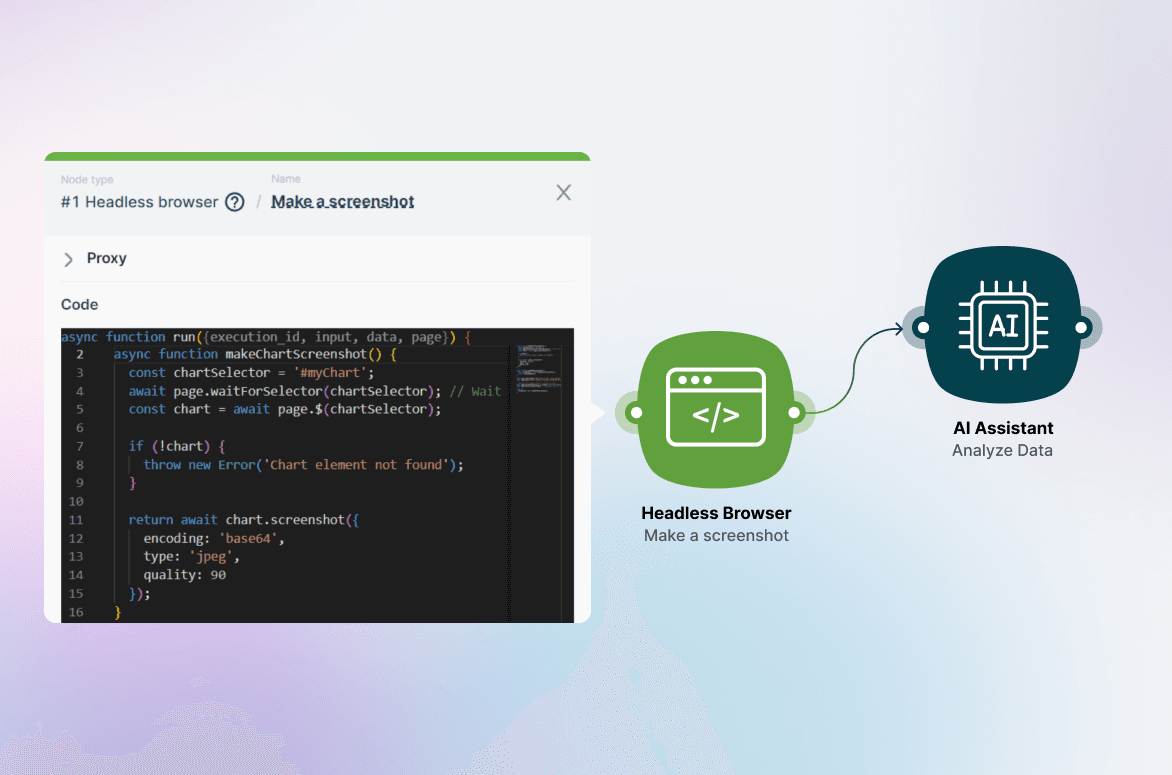
How can you use Headless Browser
Eliminate manual effort, reduce errors, and boost efficiency in every web-related task.
A Headless Browser lets you interact with websites and web apps as if you were using a standard browser — only without the visible interface.
It's the perfect tool for:
- Data collection (scraping) from dynamic or protected pages
- Automation of repetitive actions and user interface tests
- Streamlined integrations with external services and AI modules
How It Works
Simple Steps to Streamlined Web Automation

Setup
Choose a website or web app, configure any necessary parameters (cookies, headers), and outline your automation steps via our visual interface.

Launch
Initiate a headless browser session in the cloud—no installation or maintenance required.

Process & Analyze
Extract text, images, or entire web elements, then send the data to AI modules, spreadsheets, or APIs for deeper processing.

Automate
Schedule recurring tasks or run them on-demand. Monitor results, collect logs, and refine your flows— all from a single dashboard.
Start easy with ready-to-use template.
Sign up and try now with a 14-day free trial to experience all the features!
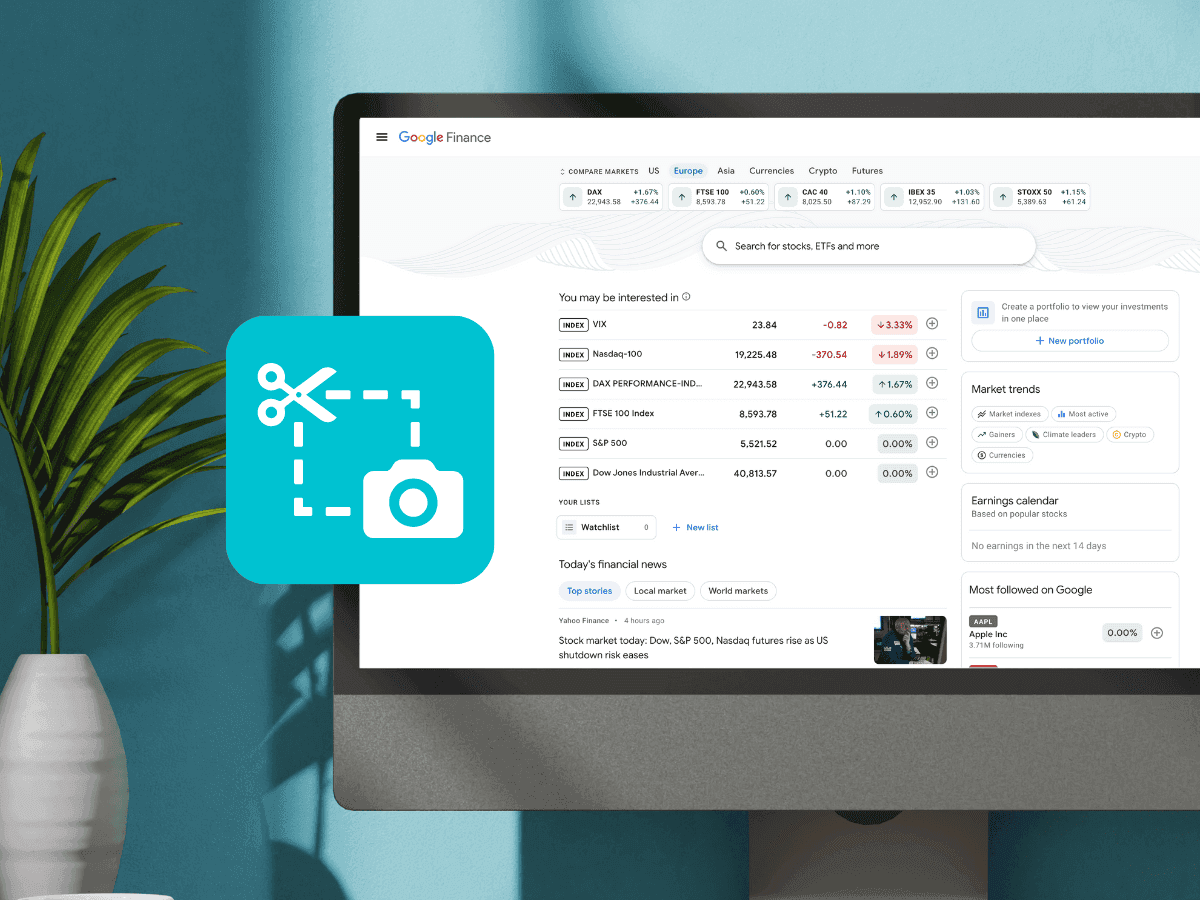
Screenshot-Based Website Analysis
Analyze web pages using computer vision to extract key information.

Get Actionable Insights from Trustpilot Reviews
Scraping competitor reviews from Trustpilot.

Get Live eBay Data Without APIs
Collect product data from eBay based on a keyword search, including links, titles, and prices.
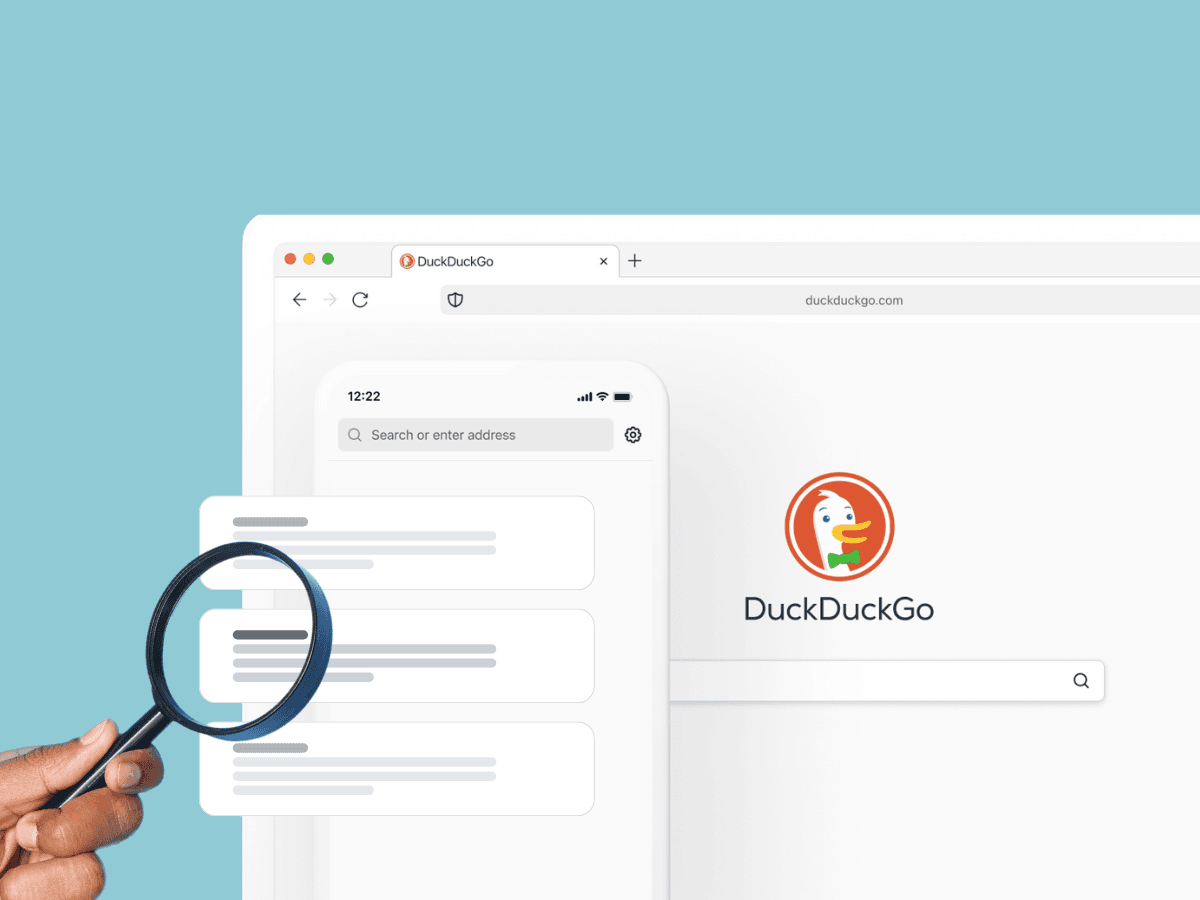
Collect Google Search Results Without Using an API
Scrape and extract text content from the top 10 search results on DuckDuckGo.

on Capterra, Product Hunt
Backed by

Ready to unlock powerful of Headless Browser?
Sign up now and see how Latenode's Headless Browser can save you time, resources, and headaches.
Get started