
Ticket triage and routing
Starts when
A new ticket event in Zendesk, or a webhook.
 Zendesk
 AI step
Result
AI suggests a topic, priority, and language, then routing rules send the ticket to the appropriate group.

Customer service automation is the use of software and AI to answer common questions, route tickets, draft replies, and send updates, so agents can focus on cases that need judgment. With Latenode, you build automated customer service on top of the help desk and CRM you already use.
Customer service automation hands routine support work to software: a workflow answers common questions, creates and routes tickets, drafts replies, and sends status updates without an agent touching each step. Complex or sensitive cases still go to a person, with the full conversation history attached.
You'll also see it called customer support automation or automated customer service. The scope can be as small as sending billing questions to the right queue. A broader automated process might pull up account details, find the policy answer, and hand the conversation to an agent if the customer asks for a person.
Each automated support workflow follows the same chain: a trigger starts it, workflow steps collect the data, an AI step decides or writes, and an action delivers the result or hands the case to an agent. Define what information each step needs before you connect the apps.
Start with the requests your team answers the same way every day: ticket tagging, order status, refund policy questions, and follow-up surveys. These customer service workflow automation examples plug into the help desk, email, and chat apps you already use, and six of them start from a ready-made template.
A new ticket event in Zendesk, or a webhook.
ZendeskAI stepAI suggests a topic, priority, and language, then routing rules send the ticket to the appropriate group.
An incoming WhatsApp or Telegram message event, or a webhook.
 WhatsApp
 Telegram
 Google DocsAI step
The workflow answers routine questions from your Google Docs knowledge base and sends anything the docs don't cover to an agent.
An incoming email event, or a webhook.
 Gmail
 Microsoft OutlookAI step
The automation drafts a reply, and an agent reviews it before it goes out.
A ticket event in Zendesk or Freshdesk, or a webhook.
Zendesk FreshdeskAI step
 Slack
 TwilioWhatsApp
An automated chat or SMS alert tells the shift lead about negative or VIP tickets.
A Slack or Discord message event, or a webhook.
Slack DiscordZendesk
The workflow automatically turns a support message into a ticket and routes it for follow-up.
An Outlook email event marking a resolved conversation, or a webhook.
Microsoft Outlook SurveyMonkey
 Typeform
The survey goes out automatically. Set up a separate workflow that sends low ratings back to the support queue.
A weekly schedule.
ZendeskFreshdeskAI stepSlackAI groups the week's tickets by topic and prepares an automated digest for the support channel.
A review or comment event, or a webhook.
 Google Business Profile
 InstagramAI step
Prepare a reply for review, or send an automated response where your rules allow one.
For setup details, see how to design customer service workflows, the support chatbot guide, and the Zendesk sentiment walkthrough. To update customers on shipments before they ask, use the shipping notification workflows on our supply chain automation page.
Templates

Analyze closed support tickets and generate weekly insights with suggested improvements.

Analyze closed support tickets and generate weekly insights with suggested improvements.
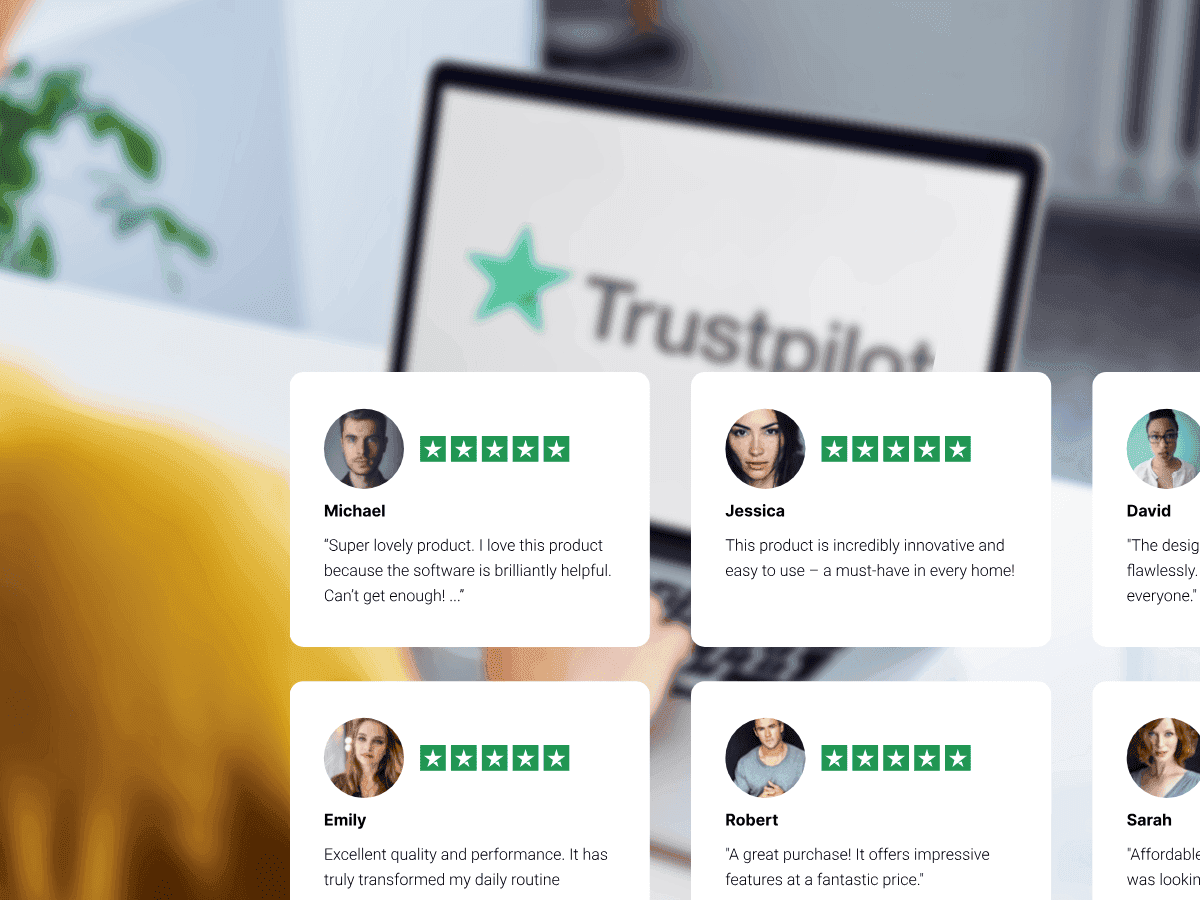
Trustpilot research loop → ChatGPT → Sheets

Compare leading image-generating AI models side-by-side. View results, speed, cost, and quality.

A basic Telegram chatbot powered by a GPT assistant trained on your data.
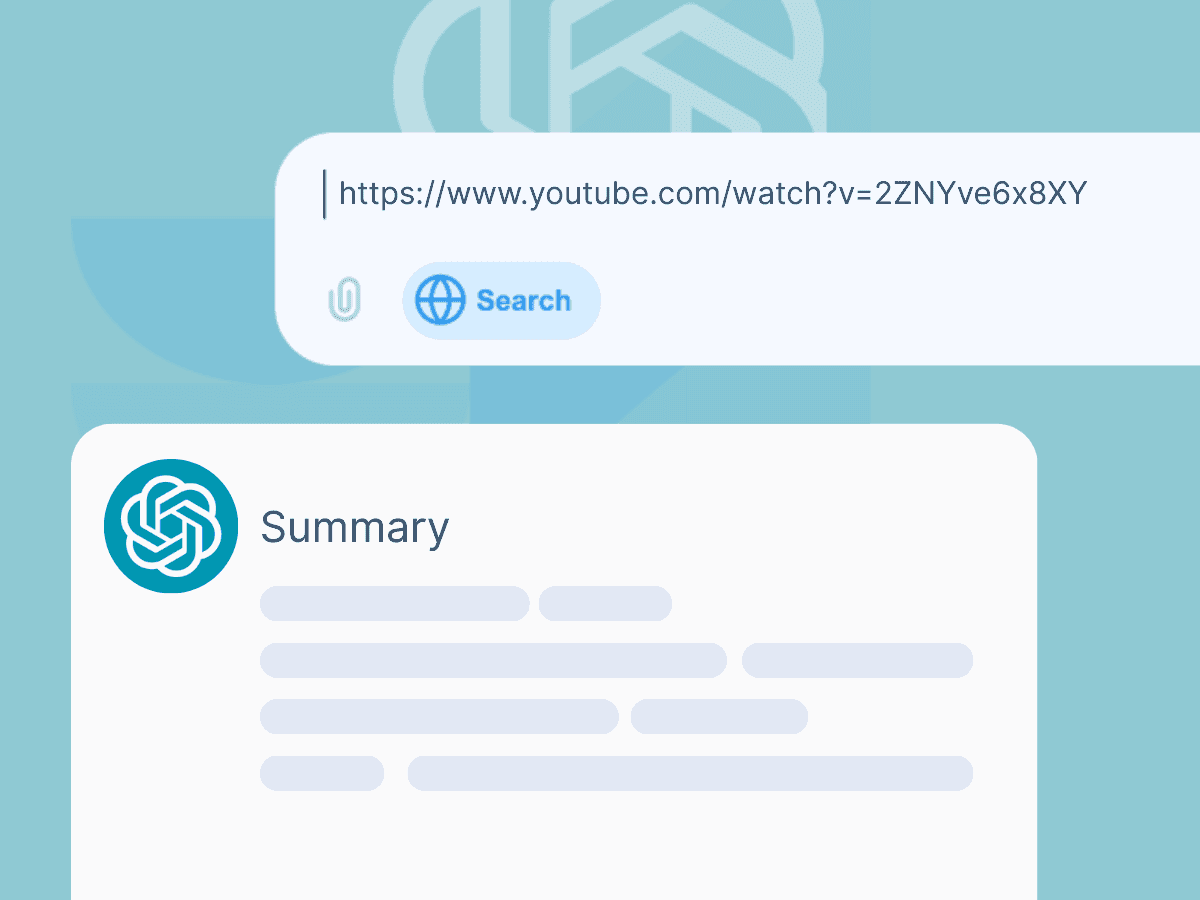
ChatGPT gives you a quick summary of the Youtube video with key takeaways.
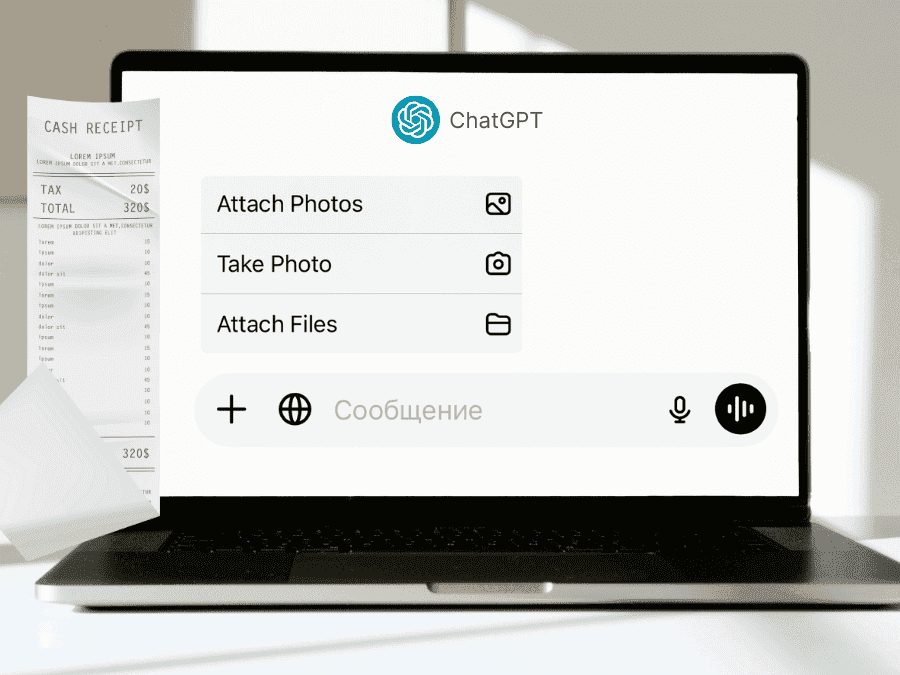
The receipt is processed and structured with the help of ChatGPT.
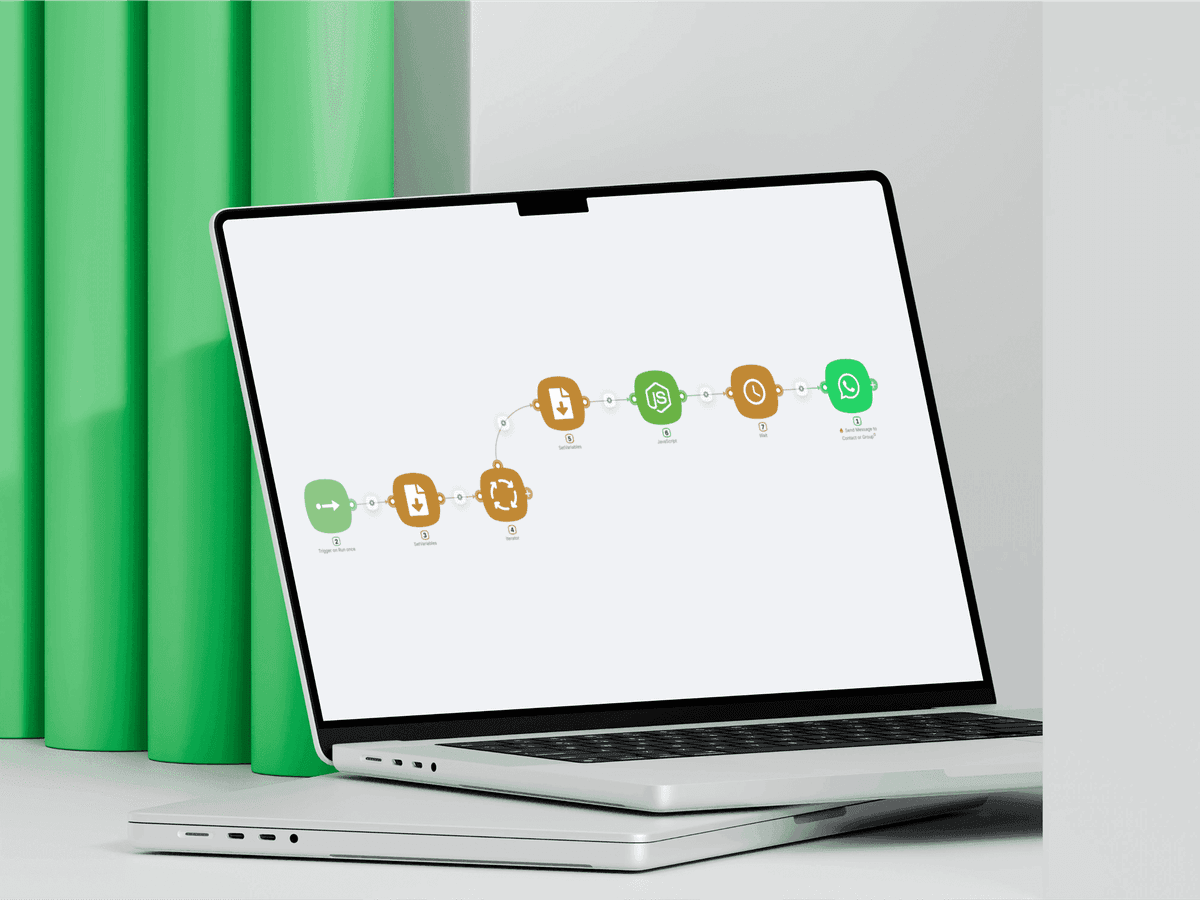
Automatically send WhatsApp messages to a list of contacts from your personal account.
Embed a GPT-powered chat assistant on your website using the Chatwoot widget.
AI customer service automation adds a reading and writing step: a model reads the message, then answers from your knowledge base or prepares the ticket for an agent. Use AI for intent detection, field extraction, translation, and conversation summaries. Keep plain rules for decisions like which queue handles billing disputes.
Latenode includes 335+ AI models in one subscription. The AI Agent builder and RAG knowledge storage, with one base included, let you build an assistant around your support material. Give the automated assistant current policy documents and instructions for requests those documents cannot answer.
Set handoff rules before enabling automated replies. A request for a person should reach a person; negative sentiment, VIP accounts, and uncertain answers should also trigger review. A person decides on refunds and account changes before anything happens. The workflow should carry the original message and relevant history into that handoff.
AI Copilot, the AI assistant built into every workflow, helps you while you build. For implementation details, follow the step-by-step guide to AI customer service. To compare approaches to assistants, see AI agents for customer service compared.
Automated customer service answers routine questions at any hour, gets each ticket to the right queue the moment it arrives, and frees agents for the conversations that need them.
Automate answers to documented questions so customers can get routine information while your team is offline.
Automated triage assigns an incoming ticket using your rules instead of waiting for someone to sort the queue.
Agents open each ticket with its topic, priority, customer history, and a draft reply already attached, so they spend less time collecting the same information across apps.
When ticket volume grows, automation absorbs the routine share, so you don't have to hire at the same pace; staffing still depends on the cases that need people.
Automation applies the same routing rules and the same policy source to every routine request, so agents copy and paste less.
You pay for the time a workflow runs, so adding a sentiment check or a routing branch doesn't add a per-step charge.
Choose one frequent request and define the result you want before building its automated workflow. Add another process after the first produces answers and handoffs your team can use. For a fuller rollout plan, read the detailed implementation guide.
Choose a narrow case, such as routing billing questions. Write down what starts the automation, the expected queue, and the exceptions an agent must handle.
Connect your help desk, email, and CRM. Identify which customer fields the automated process actually needs and where its output should appear.
Copy a relevant template from the template library or use the visual drag-and-drop builder. Add JavaScript code nodes when your routing rules need custom logic beyond the visual steps.
Give the AI step the relevant knowledge and an output format. Define when automation should stop answering and send the case to an agent with context.
Test ordinary requests and exceptions before enabling the automated flow. Start from an event in Zendesk, Freshdesk, or Gmail, or from a webhook; webhook triggers fire instantly on every plan.
Latenode offers 5,500+ integrations across 1,200+ apps and LLMs. For support automation, the help desk is both a source of tickets and the place to write results, while CRM and messaging connections provide context and alerts. Use webhooks or the HTTP request node for in-house services and JavaScript for custom logic; a headless browser can work with sites that have no API.
Customer service automation software includes chatbots, help desks with built-in rules, contact center and IVR systems, survey apps, and workflow platforms. These customer service automation tools each cover one part of support; a workflow platform ties them into one process that runs across apps.
Check each platform against a real request your team receives:
Latenode is a customer service automation platform that works alongside your help desk, connecting its records to other apps. You can compare no-code AI tools for customer support before choosing that approach.
The biggest risk is a customer stuck with a bot that can't help, so every automated flow needs a visible way to reach a person and a handoff that keeps the context, including what the customer has already tried.
AI can misread unusual requests. Test ambiguous messages and route uncertain answers for review instead of letting the automation guess. Check the category, not only the wording: the ticket has to reach the team that can resolve it.
Outdated knowledge produces outdated replies. Assign an owner to policy documents and update them when your rules change. Recheck affected automated answers after an update, particularly where wording changes what a customer is entitled to receive.
Too much automation can trap a customer in repeated suggestions. Make requests for human help an explicit exception. Keep account changes and money-related decisions with people even when automation collects the supporting information.
Customer records may contain fields the model does not need. Pass only the information required for the task, and test with representative cases before enabling customer-facing replies. During that test, check where each reply lands, not only what it says.
Measure first response time, resolution time, CSAT, the share of requests solved without an agent, and escalation rate before and after launch. Compare the same types of requests. Faster automated replies are useful only if customers get a resolution; review reopened tickets and customer effort alongside speed.
Latenode bills by workflow runtime in CPU seconds, not per ticket, operation, or step. A support automation that classifies and routes a ticket costs only the seconds it runs.
The free plan is $0/month forever, with no credit card required. It includes 10,000 CPU seconds each month, 5 active workflows, a 3-minute run limit, and 3-day history.
Pay as you go has no base fee and includes unlimited active workflows, 5 parallel workers, and 30-day history. Runs can last 10 minutes, or up to 60 with an add-on.
No, only the routine part. You can automate requests with clear answers and routing rules, but complex complaints, emotional conversations, and money-related disputes still need people. Keep a visible way to reach a person in every customer-facing flow, even when the automated answer looks simple.
No. You build workflows in a visual drag-and-drop builder or start from a ready-made template, and AI Copilot, the AI assistant built into every workflow, helps you while you build. JavaScript code nodes are there when a step needs custom logic.
No. Your help desk remains the place where agents manage tickets. Latenode connects it to CRM records, messaging channels, and AI models, so automation can collect context and prepare work without requiring you to replace that help desk.
Yes, if the workflow can read your store or order system. It looks up the order in Shopify by email or order number, gives the status to an AI step, and drafts the answer. Refunds and address changes go to an agent.
Yes. Use the AI Agent builder and RAG knowledge storage to work with your support material, then connect the surrounding systems. AI models come with the subscription, and webhook triggers and JavaScript nodes cover custom steps.
An AI step can identify a message's language, draft a reply in that language, or translate it for an agent. Use the detected language in routing rules, and check automated translations against your support policies before enabling replies.
Yes. Latenode's free plan needs no credit card. Build one support workflow, run it on real tickets, and check the results before you decide whether to pay for more.
Customer service focuses on support requests and their resolution. Customer experience covers the wider relationship, including marketing and retention. A support workflow is one part of that experience; automating ticket handling doesn't cover the whole customer journey.
Pick the request your team answers most often and build its workflow on the free plan, handoff included.


