How to Connect SAP S/4HANA Using Modern iPaaS Solutions: A Step-by-Step Guide
Learn how to connect SAP S/4HANA to modern apps using agile sap ipaas architecture. A step-by-step guide to safe, low-code ERP integration with Latenode.


Introduction
There is a fundamental tension in every modern enterprise: the core ERP needs to be stable and secure, while the business side demands speed and agility. SAP S/4HANA is the gold standard for the former, acting as the digital backbone of the organization. However, when sales teams want real-time notifications in Slack or marketing needs customer data in HubSpot, the rigidity of traditional SAP integrations often becomes a bottleneck.
The solution isn't to compromise SAP's "Clean Core" strategy but to wrap it in a flexible connectivity layer. In this guide, we walk through how to implement a modern sap ipaas (Integration Platform as a Service) architecture. You will learn to bypass expensive middleware projects and securely connect your legacy ERP to modern SaaS tools using Latenode's low-code environment, reducing implementation time from months to days.
Why SAP S/4HANA Needs a Modern iPaaS Layer
Historically, connecting SAP to external systems meant relying on heavy, on-premise middleware like SAP PI/PO or hiring specialized consultants to build custom ABAP interfaces. While robust, these methods create "SAP Silos"—valuable data remains locked inside the ERP because extracting it is too costly or slow for agile business needs.
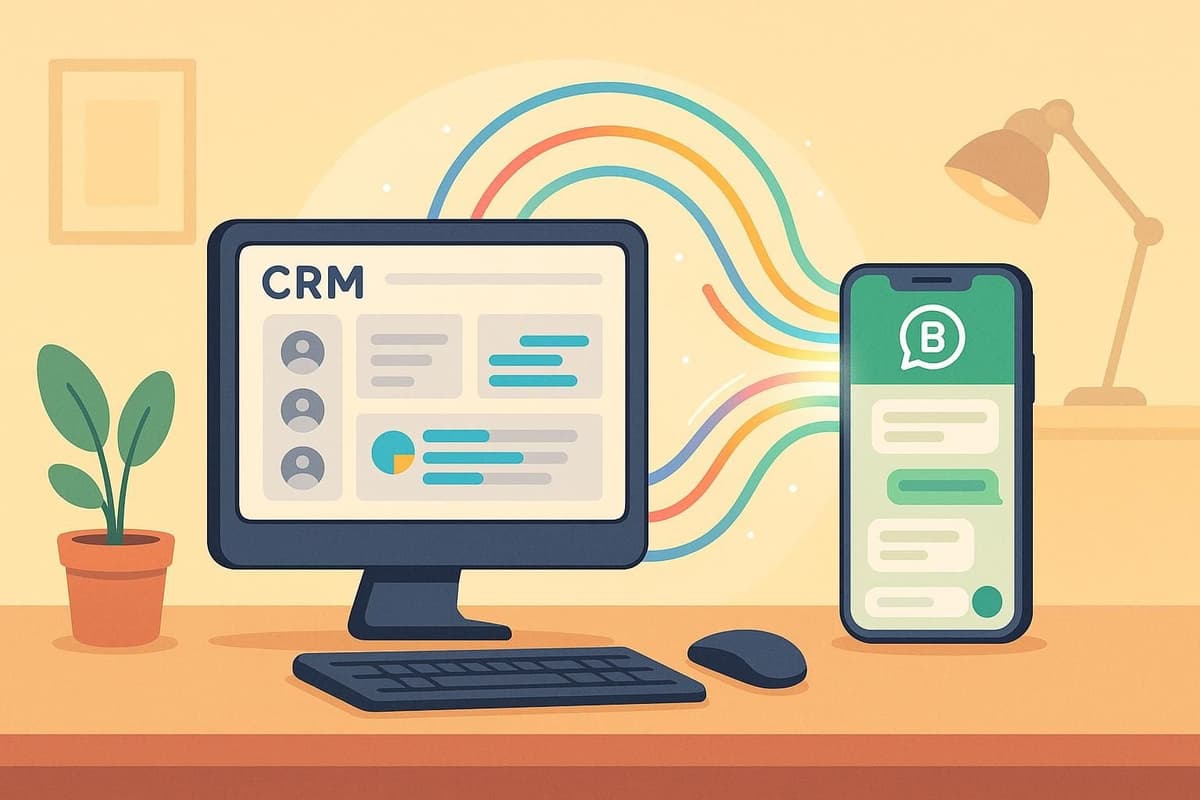
Adopting a modern iPaaS architecture changes this dynamic. Instead of building rigid point-to-point connections, you introduce a lightweight, cloud-native layer that handles the "handshake" between SAP and the rest of your tech stack. This approach preserves the sanctity of the S/4HANA core while allowing authorized external apps to interact with data via standard APIs.
The Shift from Point-to-Point to iPaaS
Directly coupling third-party apps to SAP is a recipe for technical debt. If SAP updates a field schema, every direct connection breaks. An iPaaS acts as a buffer. In Latenode, you build a single connector to SAP, and then route that data to five different apps (Slack, Sheets, CRM, Email). If the SAP endpoint changes, you update one node in Latenode, not five separate integrations.
This is why IT leaders are actively seeking alternatives to rigid legacy middleware like Dell Boomi or MuleSoft, which often carry six-figure licensing costs and require specialized developers. Latenode offers a middle ground: the visual simplicity of no-code for business logic, combined with full JavaScript support for handling complex SAP data structures.
Traditional Middleware vs. Modern iPaaS
Here is how modern solutions stack up against legacy integration methods:
| Feature | Legacy Middleware (PI/PO) | Modern iPaaS (Latenode) |
|---|---|---|
| Implementation Time | Months (Waterfall projects) | Days (Agile iteration) |
| Skill Requirement | ABAP / Proprietary Java Stack | JavaScript / Visual Logic |
| Cost Model | Heavy License + Hardware | Usage-based Subscription |
| AI Capabilities | None or Add-on (High Cost) | Built-in (GPT-4, Claude included) |
| Connectivity | SAP-Centric | Universal API Connectivity |
Security Considerations for SAP Integrations
Security is the primary barrier for any sap ipaas project. Enterprise architects rightly worry about exposing the core. Latenode addresses this through strict credential management. API keys and Basic Auth headers are stored securely in Latenode's authorization manager, never in the workflow canvas itself.
Furthermore, because the connection is outbound from the iPaaS to authenticated OData endpoints, you do not need to open raw database ports. All traffic occurs over HTTPS with standard TLS encryption.
Prerequisites: Preparing S/4HANA for External Connections
You cannot simply "connect" to an SAP instance without configuration. Before opening the Latenode builder, you must ensure your SAP environment is ready to accept API calls. This follows the "API-led connectivity" best practice essential for maintaining a clean core.
> Note: If you are running a complex hybrid environment involving on-premise ECC and cloud instances, you may need to consult this guide for SAP Integration Suite to understand how to expose on-prem endpoints via the Cloud Connector.
Identifying the Right API Endpoints
SAP groups functionality into services available on the SAP Business Accelerator Hub. For this tutorial, we focus on the Sales Order API (OData).
- Protocol: OData (REST-based)
- Service Name:
API_SALES_ORDER_SRV - Typical Endpoint:
https://{host}:{port}/sap/opu/odata/sap/API_SALES_ORDER_SRV/A_SalesOrder
If you aren't sure which API corresponds to your business process, dedicated API integration software tools can help you document and test endpoints. In Latenode, you will use the generic HTTP Request node, which gives you the flexibility to hit any custom Z-service or standard endpoint without waiting for a pre-built connector update.
Setting Up Authentication
Most S/4HANA OData services use Basic Authentication (User/Password) or OAuth 2.0. For your first workflow, ensure you have a "Service User" account in SAP with permissions limited strictly to reading Sales Orders in the relevant Sales Organization.
Step-by-Step: Automating SAP Order Notifications
We will build a workflow that polls SAP for high-value orders and alerts the Sales Director. This workflow demonstrates how to integrate SAP without custom code on the SAP side, shifting the logic into the iPaaS layer.
Step 1: Configuring the SAP Data Polling Node
Start by setting up a Schedule Trigger in Latenode to run every 15 minutes. This avoids the complexity of configuring outbound events in SAP immediately.
- Drag an HTTP Request node onto the canvas.
- Set the method to GET.
- Enter your OData endpoint URL.
- Under "Headers," add:
Authorization: Basic {base64_encoded_credentials}Accept:application/json(Critical: SAP defaults to XML, which is harder to parse)
By forcing JSON output, you make the data immediately usable in downstream nodes. You can verify the connection by clicking "Run Once"—if successful, you will see a JSON array of orders in the output debug panel.
See Example: SAP to NetSuite Workflow
Step 2: Processing Complex XML/JSON with Code Nodes
SAP APIs often return deeply nested structures (e.g., d.results[]). Standard no-code mappers can struggle with filtering these arrays. This is where Latenode excels using the JavaScript node.
Scenario: You only want orders where TotalNetAmount is greater than $10,000.
// Latenode JavaScript Node
const response = data["{{1.body}}"]; // Reference previous node
const highValueOrders = response.d.results.filter(order => {
  return parseFloat(order.TotalNetAmount) > 10000;
});

return { highValueOrders };
This snippet instantly acts as a filter, passing only relevant data to the next step. If you aren't comfortable writing JS, Latenode's AI Copilot can write this code for you—just type "Filter results for orders over 10k" in the AI prompt.
Step 3: Routing Data to Slack and Google Sheets
Once the data is filtered:
- Add a Loop node (Iterator) to process the
highValueOrdersarray one by one. - Inside the loop, add a Slack node.
- Map the SAP fields (
SalesOrder,SoldToParty,TotalNetAmount) into the Slack message text.
The result is a clean, instant notification for the sales team without them ever needing to log into the SAP GUI.
Enriching SAP Data with AI: The "Intelligent Layer"
Most ipaas solutions sap simply move data from A to B. Latenode allows you to transform it intelligently. SAP error messages and logs are notoriously technical (e.g., "Error M7001: Check table T169P"). Passing this directly to a user is unhelpful.
By injecting an AI node into your pipeline, you can "translate" SAP jargon into business language. Because Latenode includes access to models like GPT-4 and Claude in your subscription, you don't need to manage separate keys for enterprise AI agent platforms.
Auto-Drafting Customer Updates
Imagine a workflow that checks delivery status. If SAP returns a "Shipping Block" code:
- The workflow catches the error code.
- It passes the order context to an onboard AI agent with the prompt: "Draft a polite email to the customer explaining a 24-hour delay due to warehouse verification, based on SAP Error {Error_Code}."
- The AI returns a formatted email draft.
- Latenode creates a draft in Gmail or Outlook for a human agent to review.
Analyzing Order Trends on the Fly
You can also use the AI node to categorize line items. If SAP descriptions are cryptic (e.g., "MAT-GRP-001"), the AI can analyze the SKU and classify it as "Electronics" or "Consumables" before syncing the data to a CRM like Salesforce, ensuring better reporting downstream.
Compare Enterprise AI Platforms
Advanced Handling: Error Management and Bi-Directional Sync
Fetching data is safe. Writing data back to SAP is where rigorous error handling becomes critical. SAP S/4HANA requires valid CSRF tokens for any POST, PUT, or DELETE operation to prevent cross-site forgery.
Handling CSRF Tokens and Headers
To create a Sales Order in SAP from Latenode, your workflow must perform a "Fetch" and "Post" sequence:
- GET Request: Call the endpoint with the header
x-csrf-token: fetch. - Extract Token: Parse the returned header
x-csrf-tokenand theSet-Cookievalues. - POST Request: Send your payload using the token and cookies from step 1.
If you fail to handle cookies correctly, SAP will reject the write request. Latenode's "Headless Browser" or standard HTTP nodes preserve sessions effectively for these multi-step transactions.
Complex Transaction Logic
Sometimes you need to perform actions that standard APIs don't cover easily, such as updating payment blocks in financial transactions. Through Latenode's community, users have documented methods to programmatically alter payment blocks by orchestrating specific BAPI calls.
Writing Data Back to SAP S/4HANA
A common requirement is attaching external documents (like PDF invoices from emails) back into SAP records. This is notoriously difficult with standard REST connectors. However, using Latenode's ability to handle binary data and base64 encoding, you can follow patterns for adding file attachments to SAP transactions (such as MIRO). This capability bridges the gap between modern file handling and SAP's legacy Generic Object Services (GOS).
Read Cost Analysis: AI Automation vs. Traditional
Frequently Asked Questions
What is the difference between SAP Integration Suite and third-party iPaaS?
SAP Integration Suite is SAP's native, comprehensive middleware on the Business Technology Platform (BTP). It acts as the official gateway. A third-party sap ipaas like Latenode is often used alongside it to provide the "last mile" connectivity—allowing agile teams to build workflows in minutes without needing full access to the BTP environment.
How does handling Latenode pricing compare to traditional consultants?
Traditional SAP integration involves expensive hourly consultancy fees and long project timelines. AI-powered automation vs traditional solutions analysis shows that platforms like Latenode reduce costs by shifting to a usage-based operational expense model, rather than a heavy capital expense.
Can I connect Latenode to on-premise SAP ECC?
Yes, but it requires exposing the relevant SAP endpoints to the internet securely. This is typically done via the SAP Cloud Connector acting as a reverse proxy, or by whitelisting Latenode's static IP addresses in your corporate firewall to allow secure HTTPS traffic to your gateway.
Do I need separate licenses for AI models in Latenode?
No. One of Latenode's distinct advantages over competitors like Zapier or Make is that access to premium AI models (GPT-4o, Claude 3.5 Sonnet) is included in the platform subscription. You do not need to manage or pay for separate Open API keys to analyze your SAP data.
Is it safe to use code nodes for SAP data?
Yes. The code nodes in Latenode run in isolated, secure sandboxes. They process the data transiently to parse JSON or transform formats (e.g., converting dates). No data persists in the code node memory after execution, ensuring compliance with data privacy standards.
Conclusion
The era of SAP S/4HANA acting as an isolated data bunker is over. For enterprises to compete, the ERP must be part of a fluid, interconnected ecosystem. While "keeping the core clean" is vital, it shouldn't come at the cost of business agility.
By leveraging a modern ipaas sap solution like Latenode, you bridge the gap between stability and speed. You gain the ability to parse complex OData structures, manage CSRF authentication for secure writes, and even enrich legacy data with modern AI agents—all without touching a single line of ABAP code.
Ready to unlock your SAP data? Start by mapping a simple "Order to Notification" workflow. The flexibility of low-code combined with the power of full-code customization ensures that as your integration needs grow, your platform won't hit a wall.