NetSuite iPaaS: Seamlessly Integrate Your ERP with Latenode
Connect NetSuite to your full tech stack without the bloat. Discover how AI-native iPaaS solutions allow for smarter, cost-effective ERP integration and data flow.


Introduction
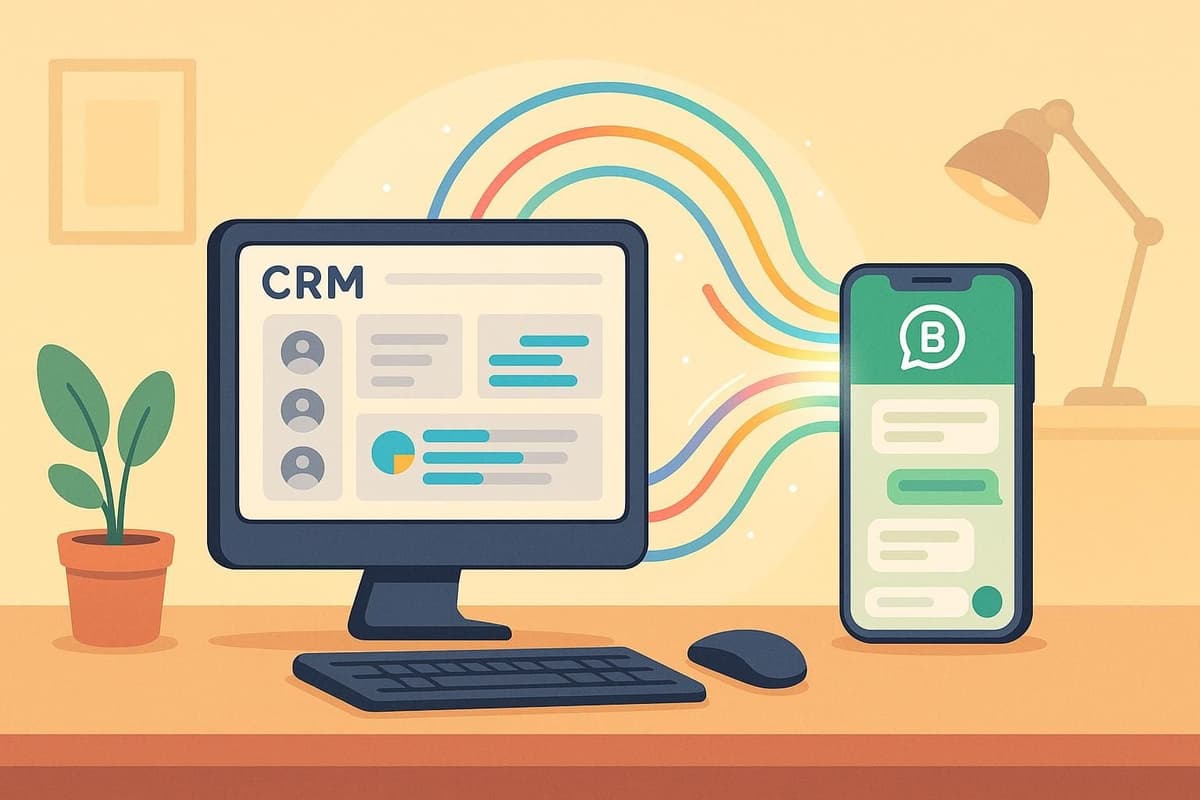
NetSuite is often called the "heart" of a modern business, pumping vital financial and operational data through your organization. But if that heart isn't connected to the rest of the body—your CRM, e-commerce platforms, and marketing tools—your business suffers from poor circulation, leading to data silos and stalled decision-making.
Traditionally, integrating an ERP required expensive consultants or rigid, "black box" connectors that broke under pressure. Today, the landscape has shifted. With the rise of AI-native automation, NetSuite iPaaS (Integration Platform as a Service) has evolved from a simple data mover into an intelligent processing layer. In this guide, we’ll explore how you can bridge your ERP gaps using modern, flexible integration strategies that scale with your business.
The "Digital Island" Problem: Why NetSuite Needs iPaaS
For many fast-growing enterprises, implementing NetSuite is a major milestone. It centralizes accounting, inventory, and ERP functions. However, a common operational trap emerges shortly after implementation: the ERP becomes a "digital island."
The Challenge of ERP Isolation
When NetSuite is isolated, valuable inventory data remains locked away from the marketing team's campaigns, and sales data from your CRM (like Salesforce or HubSpot) doesn't sync with finance in real-time. Instead of automated flows, teams resort to manual workarounds:
- The CSV Shuffle: downloading spreadsheets from one app to upload into another.
- Data Latency: Inventory counts on your website lag behind actual stock, causing overselling.
- Human Error: Manual data entry leads to typos in financial reporting.
These common NetSuite integration challenges create bottlenecks that slow down the very growth the ERP was meant to support.
Defining NetSuite iPaaS
This is where iPaaS solutions come in. An Integration Platform as a Service acts as the bridge between your ERP and the cloud apps you use daily. Unlike fragile point-to-point scripts associated with custom development, a dedicated middleware platform provides a centralized hub to manage, monitor, and secure data flow across your entire stack.
By using a middleware platform rather than direct API coding, you gain visibility into every transaction and the flexibility to change endpoints without rewriting your entire codebase.
Beyond Legacy Integration: The Rise of AI-Native iPaaS
Not all integration platforms are created equal. The market is currently splitting into two distinct categories: legacy enterprise tools and modern, AI-native solutions.
Traditional vs. Modern iPaaS
Legacy enterprise iPaaS solutions often come with six-figure price tags and require certified developers to maintain. They are powerful but heavy, often turning simple adjustments into weeks-long IT tickets.
In contrast, modern, low-code platforms like Latenode prioritize agility. These platforms allow technical teams to build robust integrations in hours using visual interfaces, while still offering the depth of custom code when needed. The shift is away from "maintenance-heavy" infrastructure toward "build-and-forget" automation.
The AI Advantage in ERP Workflows
Reframing integration is crucial: it isn't just about moving data; it's about processing it. This is where AI-native platforms shine. Traditional tools might move a messy address string from Shopify to NetSuite, causing an error.
Latenode, however, integrates AI models (like GPT-4 and Claude) directly into the workflow without requiring separate API keys. You can create an agent that:
- Receives raw data.
- Standardizes, corrects, and capitalizes it using AI.
- Injects the clean data into NetSuite via SuiteTalk or SuiteQL.
This represents a complete AI automation strategy that transforms your ERP from a data repository into an intelligent decision engine.
Build Your AI Automation Strategy
Top NetSuite Integration Use Cases
Connecting NetSuite to CRM and E-commerce
The most critical lifeline for a retail or SaaS business is the connection between the storefront and the ledger. A typical workflow involves syncing Shopify orders to NetSuite as Sales Orders.
However, data formats rarely match. Shopify might split names differently than NetSuite expects. In Latenode, you can use AI to format customer data instantly. The AI node can parse an unstructured address or notes field, structure it into a rigorous JSON format, and ensure the API call to NetSuite succeeds the first time.
Automating Financial Reporting & AP
Accounts Payable offers another prime opportunity for automation. Instead of manually keying in invoices received via email:
- Trigger: An email arrives with a PDF invoice.
- Action: Latenode extracts the attachment.
- AI Processing: An AI agent reads the PDF, extracts line items, dates, and vendor details.
- Validation: Data is matched against open Purchase Orders in NetSuite.
- Result: A bill is created automatically in NetSuite, flagged for approval only if discrepancies exceeding a set threshold are found.
How to Integrate NetSuite using Latenode
Integrating with NetSuite's API (SuiteTalk) is notoriously complex due to its strict authentication protocols. Here is how a modern platform simplifies the process.
Handling NetSuite’s Token-Based Authentication (TBA)
One of the biggest hurdles developers face is NetSuite's Token-Based Authentication (TBA). It involves generating complex OAuth headers with timestamps, nonces, and signatures. Many "no-code" tools struggle here, forcing users to use limited, pre-built connectors.
Latenode solves this through its custom code capabilities. You can use Latenode's JavaScript node to handle the cryptographic signature generation securely. Even better, Latenode's built-in AI Copilot can write this authentication script for you. You simply ask the AI: "Write a JavaScript function to generate a NetSuite TBA header using these consumer keys," and the code is generated instantly to be used in your HTTP request.
Building the Workflow: A Visual Guide
The visual builder experience makes orchestrating these technical steps intuitive.
- Trigger: Set up a Webhook or specific schedule (e.g., "Run every hour").
- Get Data (SuiteQL): Use an HTTP request node to query NetSuite using SuiteQL (SQL for NetSuite) to pull recent records.
- AI Logic: Pass that data through an AI node to analyze profitability or categorize customers.
- Action: Push the processed results to Slack, Google Sheets, or back into NetSuite.
Why "Embedded iPaaS" Strategies Fall Short
The Limitations of Native Connectors
Many businesses rely on "SuiteApps" or what is known as NetSuite embedded iPaaS. These are native plugins that promise easy integration. While convenient for standard use cases, they often function as "black boxes."
If your business process is unique—for example, if you need to route orders differently based on inventory levels in specific warehouses—native connectors often fail. They lack the logic flexibility found in dedicated platforms. Furthermore, traditional enterprise iPaaS options that offer this flexibility are often prohibitively expensive and slow to deploy.
Cost Efficiency and Scalability
Cost structures in automation are shifting. Many competitors charge per "task" or "operation," meaning a simple loop through 1,000 NetSuite orders could consume your entire monthly budget.
Latenode utilizes an execution-based pricing model (paying for computation time, not steps). This is critical for ERP integrations where data volume is high.
| Feature | Latenode | Traditional iPaaS (legacy) / Competitors |
|---|---|---|
| Pricing Model | Time-based (ideal for bulk data loops) | Task/Step-based (expensive for loops) |
| AI Access | Unified (GPT-4/Claude included) | Bring Your Own Key (Extra cost + management) |
| NetSuite Auth | Flexible via AI-generated JS | Rigid connectors or complex config |
| Code Capability | Full JavaScript support + NPM | Limited or proprietary languages |
Start Building Visual Workflows
Frequently Asked Questions
Do I need a developer to connect Latenode to NetSuite?
Not necessarily. While NetSuite is a technical platform, Latenode's AI Copilot can write the necessary JavaScript for authentication and data parsing. A general understanding of APIs is helpful, but the visual interface removes the need for deep coding knowledge.
Is Latenode secure enough for financial data?
Yes. Latenode is SOC 2 compliant and uses enterprise-grade encryption. Since you control the API keys and data flow, you can ensure that sensitive financial data is handled according to your internal compliance standards.
Can I use AI to analyze NetSuite data?
Absolutely. This is a primary use case. You can set up a workflow to pull a daily sales report via SuiteQL, send it to an AI node for summarization and anomaly detection, and have a concise executive summary sent to Slack or Microsoft Teams automatically.
How does Latenode handle high-volume data?
Latenode's architecture allows for custom code execution alongside visual nodes. This means you can process arrays of thousands of records in a single JavaScript node execution block, which is significantly faster and more cost-effective than processing them one by one in a visual loop.
What if I need to use a specific AI model?
Latenode provides a unified AI interface. You can switch between OpenAI, Claude, Gemini, and others simply by selecting them from a dropdown menu. You don't need separate subscriptions for each AI provider; they are included in the platform.
Conclusion
NetSuite is undoubtedly the engine of your enterprise, but an engine needs a transmission to drive the vehicle forward. Integrating your ERP isn't just about convenience—it's about survival in a data-driven market. By moving away from rigid, expensive legacy tools and embracing AI-native automation, you ensure that your data flows freely, accurately, and intelligently.
Future-Proofing Your Tech Stack
As your business grows, your complexity will increase. Simple linear automations may evolve into systems requiring autonomous AI agents. Starting with a flexible platform like Latenode today ensures you have the infrastructure to support the multi-agent systems of tomorrow, keeping your NetSuite environment agile and robust.