SaaS vs. iPaaS: Choosing the Right Integration Solution for Your Business
Struggling with disconnected apps? Explore the critical differences in SaaS vs. iPaaS, the hidden costs of native integrations, and how Latenode's AI-powered automation solves the scalability crisis.


Introduction
The average company today runs on a sprawling ecosystem of software. You have a CRM for sales, a separate platform for marketing automation, another for HR, and yet another for project management. While each tool is powerful on its own, they often exist as disconnected islands. This creates data silos where critical information gets trapped, forcing teams to resort to manual data entry—the enemy of efficiency.
When trying to bridge these gaps, businesses face a critical decision: rely on the "native" integrations built into their SaaS tools, or adopt a dedicated Integration Platform as a Service (iPaaS). Understanding the nuances of SaaS vs. iPaaS isn't just technical trivia; it’s a strategic pivot that determines whether your workflow scales with your growth or collapses under the weight of maintenance.
The Integration Dilemma in a SaaS-First World
The modern tech stack has exploded. Industry data suggests that even mid-market companies now utilize over 100 different SaaS applications. This fragmentation creates a "swivel-chair" effect where employees constantly switch tabs to move data from one system to another.
The Explosion of the SaaS Stack
While SaaS tools solve specific problems—Salesforce manages leads, Slack handles communication—they rarely communicate fluently with one another out of the box. The result is a fragmented view of the customer and business operations. The challenge isn’t finding the right software anymore; it’s getting that software to work in concert.
Defining the Contenders
To make the right choice, we must first clarify the definitions:
- SaaS (Software as a Service): These are the end-user applications you use daily (e.g., HubSpot, Asana, Zoom). They focus on specific business functions but aren't primarily designed to move data to outside systems.
- iPaaS (Integration Platform as a Service): This is the middleware infrastructure—like Latenode—designed specifically to connect disparate applications, govern data flow, and orchestrate logic between systems.
For a deeper dive into the architecture of these hubs, check out our complete integration platform guide.
The Mirage of Native SaaS Integrations
Most SaaS vendors know integration is a pain point. To combat this, they offer "Native Integrations"—pre-built connections accessible seamlessly within their settings menu.
What Are Native Integrations?
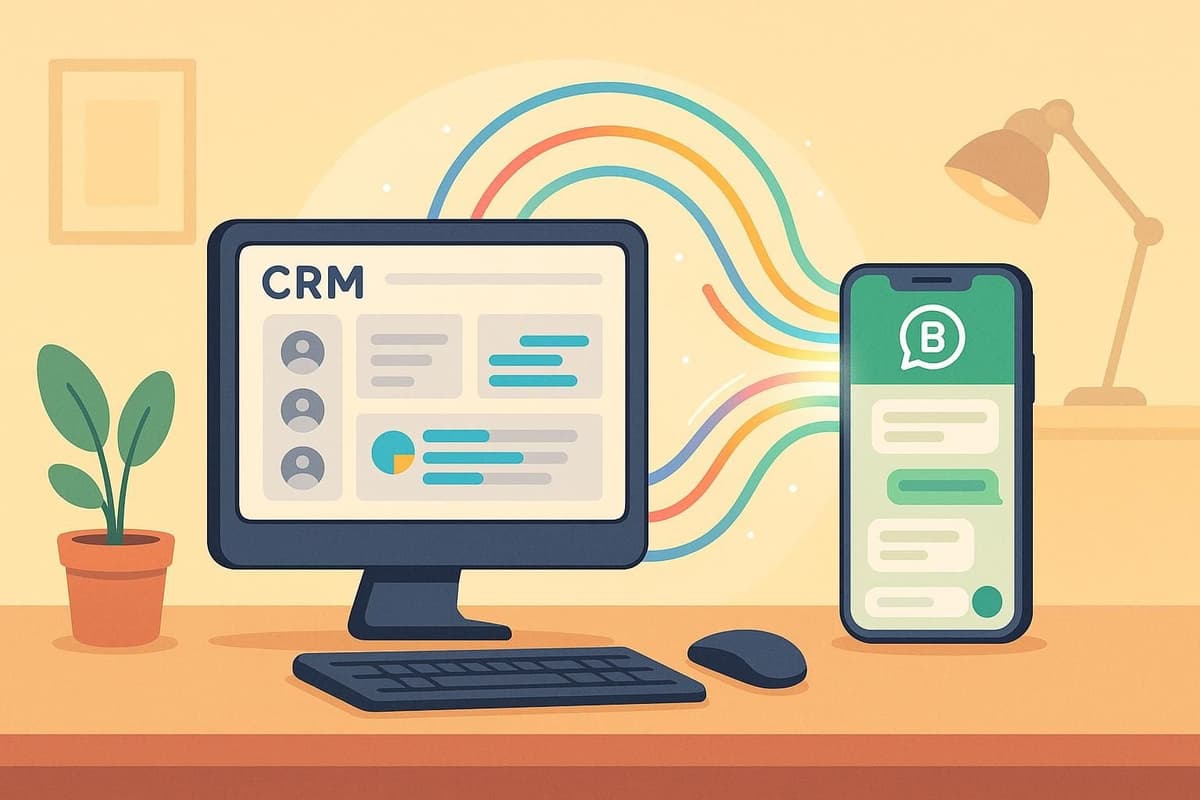
Native integrations are point-to-point connections. Think of the "Add to Slack" button inside your CRM. You click it, sign in, and suddenly your won deals post to a Slack channel.
The problem: These are rigid. They do exactly what the vendor decided they should do, and nothing more. If you want to filter the deal by region before posting, or format the message differently, you’re usually out of luck. They provide a false sense of connectivity because they lack the logic layer required for complex business processes.
The Hidden Costs of Point-to-Point Integration
Relying on native integrations leads to what developers call "Spaghetti Code" (or in a no-code context, spaghetti logic). You end up with a web of direct connections:
- App A talks to App B
- App A talks to App C
- App B talks to App C separately
When a process breaks, you have no central way to debug it. You have to check the logs in App A, then App B, and hope you find the error. As you scale, the maintenance cost of checking dozens of separate integration settings outweighs the initial convenience.
Core Benefits of iPaaS (Why You Need a Hub)
An iPaaS acts as a central command center for your data. Instead of apps talking directly to each other in a disorganized mesh, they all talk to the iPaaS, which orchestrates the flow.
Centralized Orchestration & Logic
Unlike simple SaaS triggers, an iPaaS allows you to build conditional logic. You aren't just moving data; you are designing a workflow.
Example: "If a lead score is greater than 50, send it to Salesforce. If it makes less than 50, add it to a generic newsletter list in Mailchimp. If the email domain is 'fortune500.com', alert the CEO via SMS."
This level of granularity is why modern enterprises are switching from rigid legacy systems to flexible cloud orchestrators.
Data Transformation and Standardization
SaaS apps speak different languages. Your e-commerce store might date orders as "DD-MM-YYYY", while your ERP expects "YYYY-MM-DD".
Native integrations often fail here. An iPaaS platform like Latenode allows you to step in and transform that data. With Latenode’s ability to use JavaScript nodes, you can manipulate JSON structures, parse strings, and reformat arrays exactly how the destination system requires them, ensuring 100% data fidelity.
Error Handling and Reliability
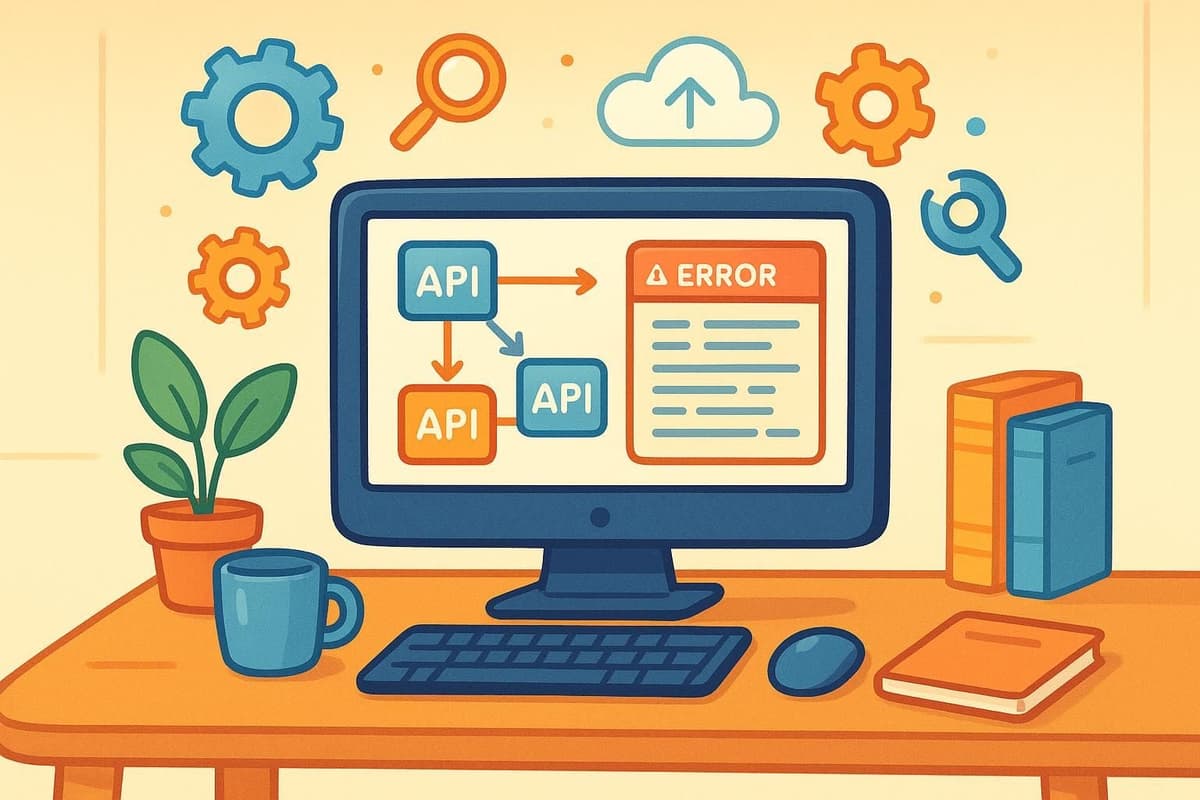
What happens when an API is down? Native integrations usually fail silently—you just realize three days later that data is missing. An iPaaS provides robust error handling:
- Retries: Automatically try the request again in 5 minutes.
- Alerts: Send a notification to the admin if a critical step fails.
- Logs: A full history of exactly what data went in and what error came out.
SaaS vs. iPaaS: A Detailed Comparison
To help visualize the difference, here is a comparison of how native SaaS capabilities stack up against designated iPaaS solutions like Latenode.
| Feature | Native SaaS Integrations | iPaaS (Latenode) |
|---|---|---|
| Flexibility | ❌ Low (Pre-defined triggers only) | ✅ High (Conditional logic, loops, delays) |
| Data Transformation | ❌ Limited or None | ✅ Full (Regex, JavaScript, AI processing) |
| Visibility | ❌ Hidden logs | ✅ Centralized execution history |
| Scalability | ❌ Linear (Harder to manage as you grow) | ✅ Exponential (Build once, run anywhere) |
| Cost Strategy | ⚠️ Often "Free" but high maintenance time | ✅ Paid, but reduces engineering hours |
The "Build vs. Buy" Mentality
Organizations often debate building internal scripts (Python cron jobs) versus buying an iPaaS. While building gives you total control, it consumes valuable engineering resources. If an API changes, your engineers have to stop product development to fix the integration.
Platforms like Latenode offer the best of both worlds: the speed of visual building with the power of custom code. Using the Code Node, developers can inject custom scripts without managing the server infrastructure. For a deeper look at cost efficiency, specifically regarding execution-based pricing versus task-based costing, review our Zapier vs Latenode comparison.
The New Era: AI Automation vs. Traditional iPaaS
The conversation is shifting. It is no longer just about connecting pipelines; it is about intelligence.
From Moving Data to Making Decisions
Traditional iPaaS moves data from Point A to Point B. Modern platforms are evolving into AI orchestration hubs. Instead of just transferring a support ticket, the system can read it, understand the sentiment, categorize it, and draft a response.
This transforms simple workflows into autonomous agents. For a comprehensive breakdown of this shift, read our guide to artificial intelligence agents. By integrating Large Language Models (LLMs) directly into the workflow, you empower your automation to handle unstructured data—something traditional SaaS integrations cannot do.
Key Takeaway: Traditional automation requires structured inputs (Fixed Dropdowns). AI automation thrives on unstructured inputs (Emails, Chat logs, PDFs).
If you are ready to start, you can build your first AI agent in minutes using our visual builder.
The Latenode Advantage (Unified AI Access)
A major friction point in using AI within generic iPaaS tools is API management. Typically, you must sign up for OpenAI, get an API key, monitor generic usage limits, and handle billing separately. Then, if you want to switch to Claude, you repeat the process.
Latenode solves this with Unified AI Access. Our platform provides a single subscription that grants access to top-tier models like GPT-4, Claude 3, and others. There is no need to manage individual API keys or juggle multiple enterprise accounts. You can switch between models inside the workflow with a simple dropdown menu, testing which model performs best for your specific task without any configuration overhead.
When Should You Switch to an iPaaS?
Not every business needs a dedicated platform on day one. However, waiting too long leads to technical debt.
Identifying the Tipping Point
Consider moving to an iPaaS if you meet any of the following criteria:
- Volume: You are spending more than 5 hours a week on manual data entry.
- Complexity: You have more than 3 SaaS tools that need to exchange data.
- Logic Requirements: You need custom logic (e.g., "Only sync if X is true") that native integration settings don't provide.
- Team Size: Different departments need access to the same data sets.
This transition is particularly impactful for growth teams. See the specific benefits for agile marketing teams who often juggle dozens of tools for ads, analytics, and email.
Hybrid Approaches
It doesn't have to be all or nothing. A hybrid approach is often best. Keep using the native "Slack Notification" for simple alerts if it works. But move your critical financial data syncing or lead routing to Latenode, where you can ensure reliability and error logging.
Implementing Latenode for Scalable Growth
Latenode stands out in the iPaaS market by balancing accessibility with raw power. We believe low-code shouldn't mean "low capability."
The Visual Builder + Code Approach
Many platforms trap you in a "no-code cage," where you can only do what the pre-built nodes allow. Latenode is unique because it seamlessly integrates a full JavaScript environment within the visual canvas.
If a pre-built connector doesn't exist, you don't have to wait for us to build it. You can create your own nodes using standard API requests and JavaScript. Furthermore, developers appreciate the ability to utilize the NPM ecosystem, using JS to manage variables and complex data structures that would be impossible in standard drag-and-drop tools.
Case Example: Automating Customer Support
Let’s look at a real-world scenario: A ticket arrives in your helpdesk.
- Native SaaS Way: The ticket arrives. A generic auto-responder is sent. A human has to read it, tag it, and look up the user in the database.
- Latenode Way: The ticket triggers a workflow. An AI Agent reads the text, determines the sentiment, and checks the database for the user's tier. If they are VIP and angry, it drafts a personalized apology and pings the support lead on Slack. If it's a generic question, it drafts the answer based on your documentation.
This shift moves you toward intelligent customer support systems that reduce response times and improve customer satisfaction scores simultaneously.
Frequently Asked Questions
Is an iPaaS difficult to maintain?
Not with modern tools. Latenode features a visual debugger and specific "History" logs. Unlike hidden point-to-point integrations, you can see exactly where a workflow stopped, fix the data, and replay the execution immediately.
Can iPaaS replace my backend developers?
It doesn't replace developers, but it frees them. Instead of writing boring CRUD (Create, Read, Update, Delete) scripts to sync data between CRMs, your developers can focus on your core product. They can use Latenode's low-code environment to handle integrations 10x faster.
How do I get started if I've never used automation?
We recommend starting small. Pick one manual process that annoys you daily. Check out the Latenode first steps guide to launch your first scenario in under 15 minutes.
Is Latenode an iPaaS or an Automation Tool?
It is an AI-Native Integration Platform. This means it covers standard iPaaS requirements (connecting apps reliability) but adds a layer of AI Agents that can perform cognitive tasks, effectively bridging the gap between simple automation and autonomous work.
What if I need to connect to a custom internal tool?
Latenode supports generic HTTP requests (Webhooks). If your internal tool has an API, Latenode can connect to it securely, allowing you to integrate legacy internal systems with modern SaaS apps.
Conclusion
The debate of SaaS vs. iPaaS ultimately comes down to scalability. SaaS applications run your business functions, but an iPaaS like Latenode scales your business operations. By moving beyond rigid native integrations, you gain the ability to orchestrate complex logic, ensure data integrity, and deploy AI agents that work alongside your team.
Don't let your data get trapped in silos. Embrace a centralized integration strategy that turns your tech stack from a collection of tools into a unified growth engine. Start building your first workflow on Latenode today and experience the difference of AI-powered integration.