Daily WhatsApp Chat Summary with Insights
Automatically generate a daily summary of a WhatsApp chat, including key insights and useful links.

Build WhatsApp automation workflows without the complexity of the WhatsApp Business API. Connect WhatsApp to your CRM, send messages at scale, and automate customer conversations — all through your personal account.
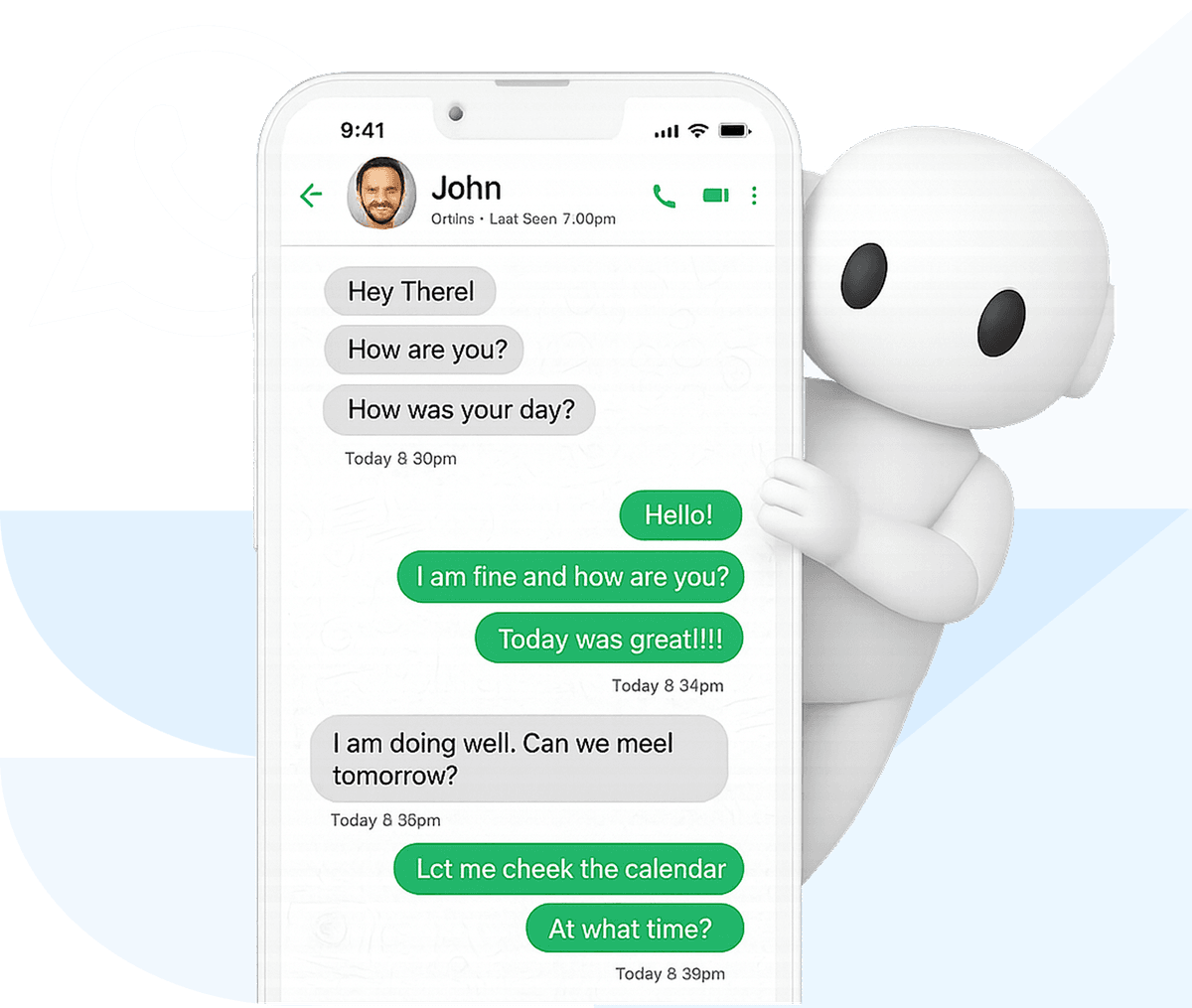
The WhatsApp Business API (also called WhatsApp Business Platform) and WhatsApp Cloud API are official enterprise solutions from Meta. They're powerful but come with significant complexity, costs, and restrictions. Here's what you need to know.
Self-hosted or BSP-hosted solution requiring server infrastructure, Business Solution Provider partnership, and Facebook Business verification. Designed for enterprises sending millions of messages. Charges per conversation plus infrastructure costs.
Meta's cloud-hosted version that eliminates server management. Still requires Facebook Business Manager verification and pre-approved message templates. Lower setup complexity than Business API but same per-conversation pricing and 24-hour messaging window restrictions.
Works with standard personal WhatsApp accounts. No verification, no templates, no per-message fees. Setup in minutes by scanning a QR code. Best for small to medium-scale automation where messages feel personal and authentic. Not for enterprise-scale volumes.
| Feature | Business API | Cloud API | Latenode |
|---|---|---|---|
| Setup Complexity | High - requires BSP, Facebook verification, server setup | Medium - requires Facebook Business Manager verification | Low - scan QR code like WhatsApp Web |
| Setup Time | 2-4 weeks | 1-2 weeks | 5 minutes |
| Cost per Message | $0.005-0.09 per conversation | $0.005-0.09 per conversation | Free (included in subscription) |
| Template Approval | Required for all messages | Required for all messages | Not required |
| 24-Hour Window | Yes - limits free-form replies | Yes - limits free-form replies | No restrictions |
| Message First | Template messages only | Template messages only | Yes - any message format |
| Best For | Enterprise with high volumes | Mid-size businesses | Small businesses, agencies, individuals |
Skip the complexity of WhatsApp Business Platform and API integration. Start automating with your personal account today.
Try Latenode FreeThe WhatsApp Business Platform and Cloud API come with complexity, costs, and restrictions. There's a better way.
The WhatsApp Business API and WhatsApp Cloud API require complex server setups, Business Solution Provider partnerships, Facebook Business verification, and extensive API integration just to start sending messages.
The WhatsApp Business API charges $0.005-0.09 per conversation. At scale, these per-message fees add up quickly, making WhatsApp Business Platform integration expensive for growing businesses.
Both the WhatsApp Business API and Cloud API limit you to a 24-hour messaging window for free-form replies. After that, you can only send pre-approved template messages — restricting your ability to have natural conversations.
Everything you need from a WhatsApp integration — without the Business API overhead
Get started effortlessly. Just scan a QR code to authorize your WhatsApp account — just like using WhatsApp Web. No technical setup or integrations required.
Reach out to clients and leads proactively — even if they haven't messaged you yet or saved your number. No need to wait for the conversation to start.
You're not limited by the 24-hour response window. Send custom messages whenever you need.
Messages come from your personal WhatsApp account, so they look and feel like real conversations. No stiff templates, no robotic replies.
Send exactly what you want, when you want, to the right people. Set conditions, filters, and segments to build flexible flows. Write your own messages without being restricted to pre-approved templates.
Messages are free, just like regular WhatsApp chats. You only pay for the logic that powers automation — not for each message sent.
Skip the WhatsApp Business API setup. Build WhatsApp integration workflows with a visual editor.
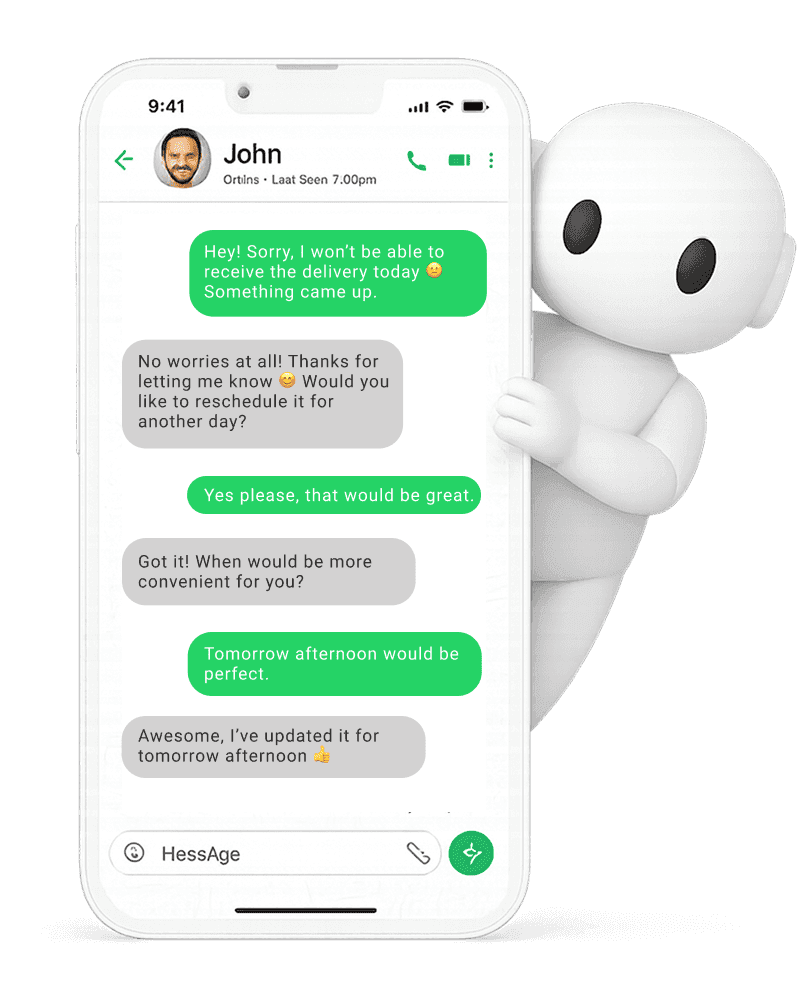
Your customers will see a regular chat — just like messaging a real person
Deliver automated messages that sound natural and human
Connect WhatsApp to your business tools without the WhatsApp Business API
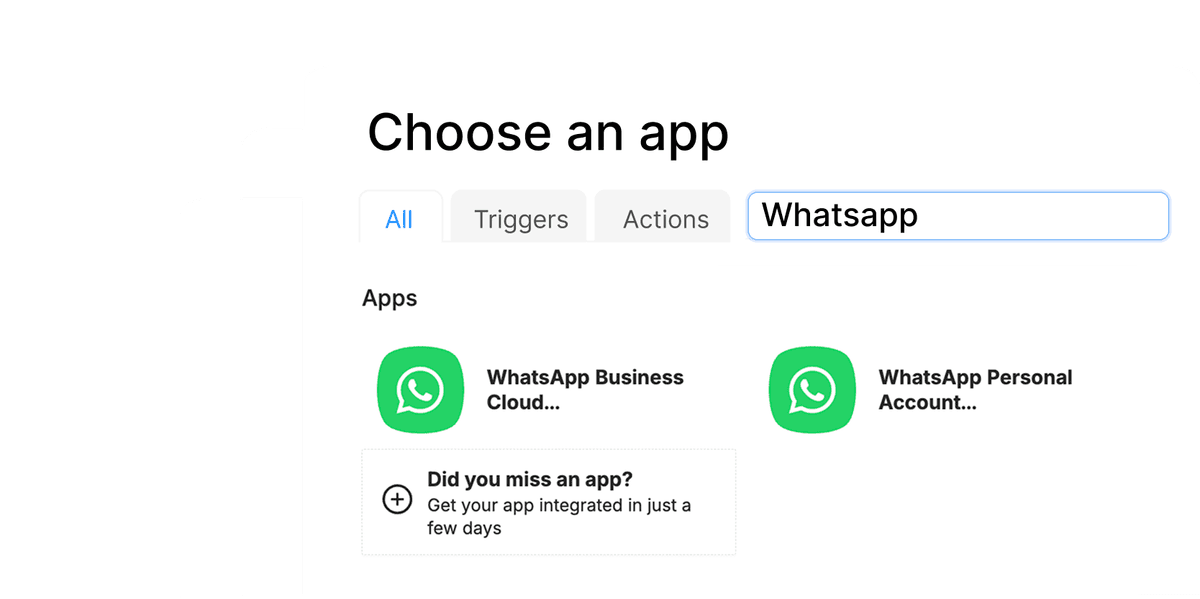
Explore WhatsApp integration examples and get started in just a few clicks
Automatically generate a daily summary of a WhatsApp chat, including key insights and useful links.
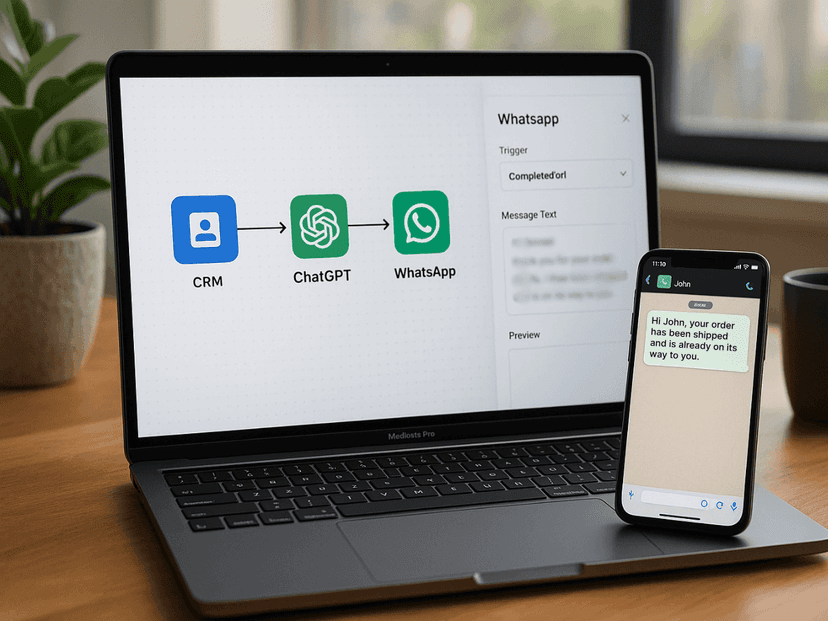
Send personalized follow-ups or notifications to clients directly in their WhatsApp DMs based on CRM data.
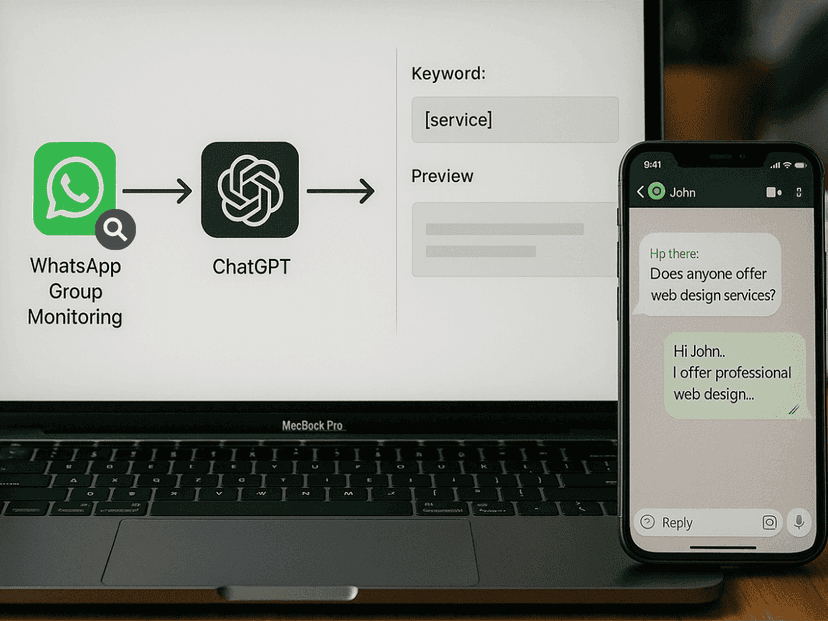
Monitor group chats for specific keywords and instantly engage potential clients with a personalized offer.
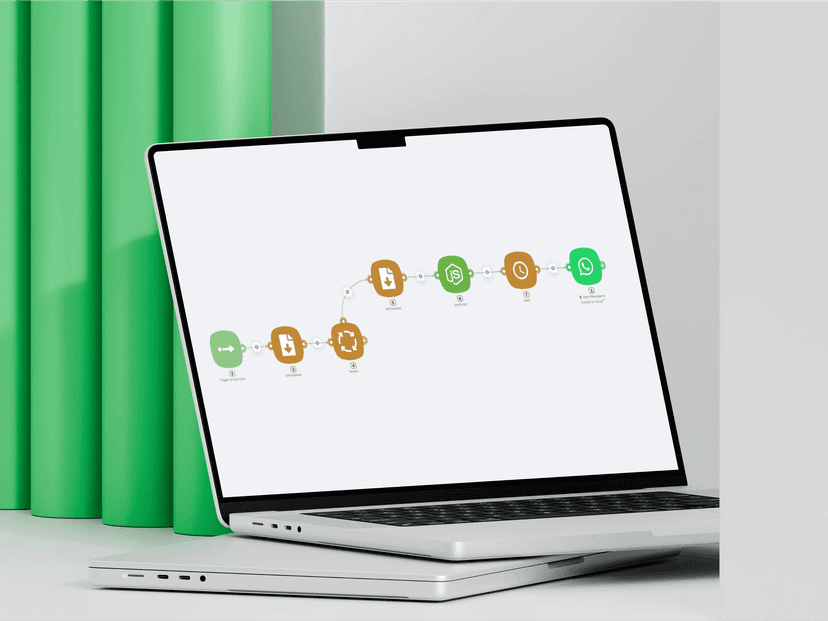
Automatically send WhatsApp messages to a list of contacts from your personal account.
 No WhatsApp Business API verification requiredNo per-conversation fees like the Cloud APINo 24-hour messaging window restrictions