Latenode integration with Gmail for sending messages
Send emails from Gmail via webhook

With the Latenode service you can send emails using a webhook
First, let's get an authorization token for Google
Go to our article on how to get a Google token in Developer OAuth 2.0 Playground;
Setting up the script in Latenode
Stop the routine, automate your mail responses with Latenode
Go to the "Latenode" service page;
Create a new project;
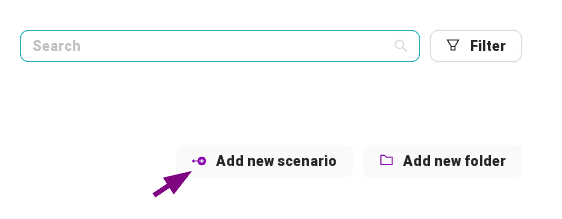
Create a component "Webhook", copy its address into notepad too;
Create a "JavaScript" component;
Copy the javascript code from this page;
    сonst fromAdress = "[email protected]"; // From which address to send, from whom (don't forget to change it to your own)
		const messageTarget = data["{{1.body.target}}"]; // To which address to send, to whom(don't forget to change to your own value)
		const messageTitle = data["{{1.body.title}}"]; // Message header(be sure to change to your own value)
		const messageText = data["{{1.body.message}}"]; // Message text (don't forget to change to your own value)
		const token = data["{{1.body.token}}"] // Authorization token (do not forget to change to your own value)
		// Encryption of all necessary information in base64 with replacement with safe characters
    const resultEncodeString = btoa(
      `From: ${fromAdress}\r\n` +
      `To: ${messageTarget}\r\n` +
      `Subject: ${messageTitle}\r\n\r\n` +
      `${messageText}`
    ).replace(`/\+/g`, '-').replace(`/\//g`, '_').replace(`/=+$/`, '');

    return {
      fromAdress,
      token,
      resultEncodeString
    }
Save all information in the node;
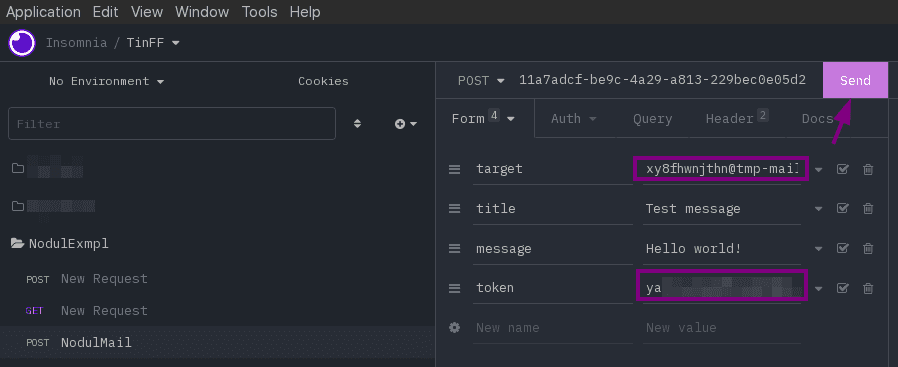
Run any rest client (Postman, Insomnia), you can do in a browser but then you need to pass the information in the query parameters;
Import the code below into it and change the values of the parameters to your own;
    curl --request POST \
    --url '[Your webhook address]' \
    --header 'Accept: application/json' \
    --header 'Content-Type: application/x-www-form-urlencoded' \
    --data target='[The address to which we are sending the message]' \
    --data 'title=Hello World![The title of your message]' \
    --data 'message=I use Latenode to send this message from Gmail![The text of your message]' \
    --data token='[Your token that you received]'
Start the project;
Invoke Webhook with your rest client;
Open the "JavaScript" component again;
Change the values to your own using the Latenode side menu, in the comments of the code says what you need to change (usually just text in square brackets), after comments you can delete;
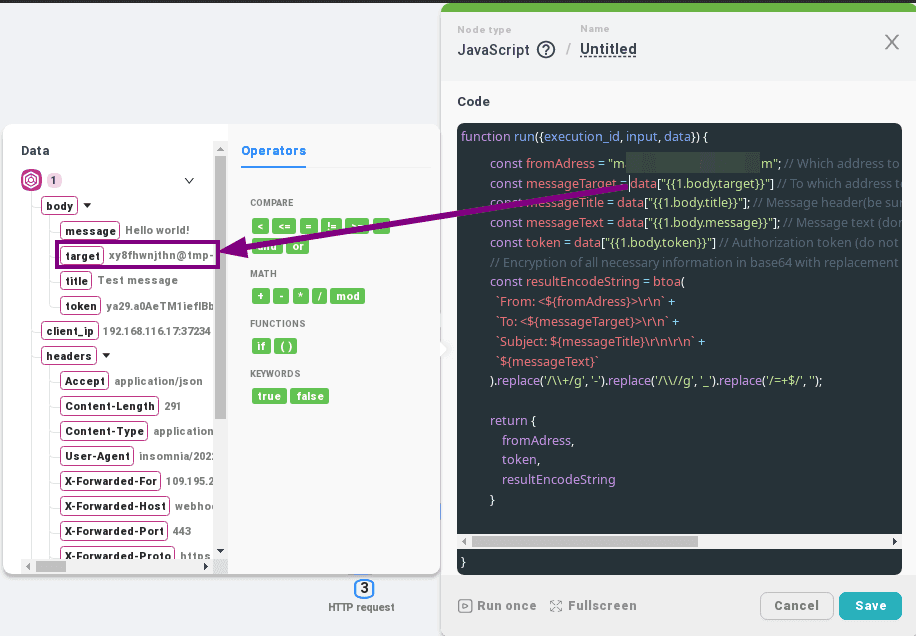
Save changes in the node;
Next we create the "HttpRequest" component;
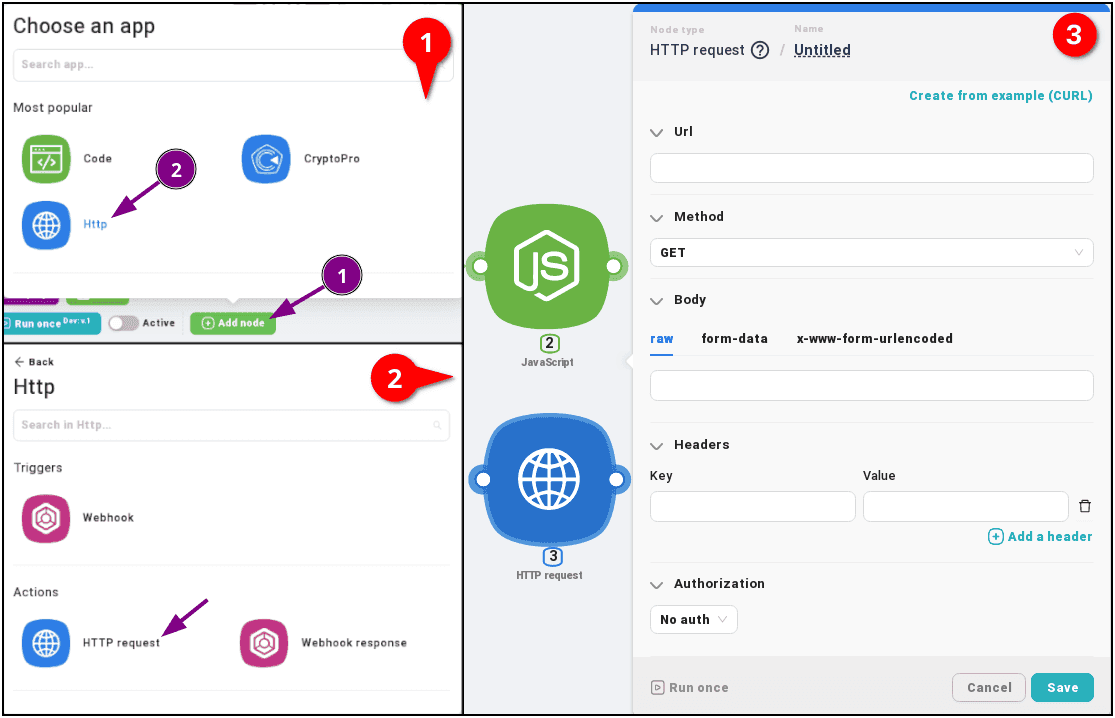
In the endpoint address, insert the transmittable address of our Gmail:
https://gmail.googleapis.com/gmail/v1/users/[Select Latenode fromAdress from JS in the side menu]/messages/send
Select "Post" as the method of choice;
In body "raw";
{raw:"[select resultEncodeString from JS in the side menu]"}
"Headers";
    Accept: application/json
    Content-Type: application/json
    Authorization: Bearer [select the Latenode token from JS in the side menu]
You can import a ready-made one using "Create from example (CURL)";
    curl --request POST \
    --url 'https://gmail.googleapis.com/gmail/v1/users/YOUR_EMAIL/messages/send' \
    --header 'Accept: application/json' \
    --header 'Authorization: Bearer TOKEN_HERE' \
    --header 'Content-Type: text/plain' \
    --data '{raw: "ENCODE_STRING"}'
Press "Save";
To check use any service temp mail(example);
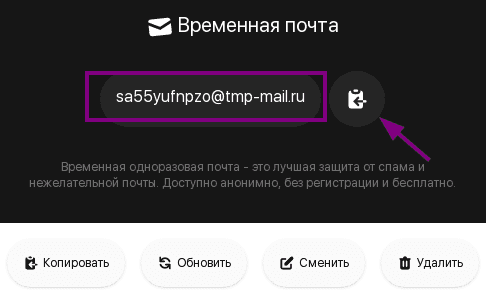
Copy the generated email address;
Insert it in the target field of the parameter in the rest client, if you did it through the usual get then change the same query parameter;
Call request;
Let's go check the mailbox;
Hope you got your message;)
Stop the routine, automate your mail responses with Latenode
Useful Links:
Basic:
Information: