

Trusted by 10,000+ teams
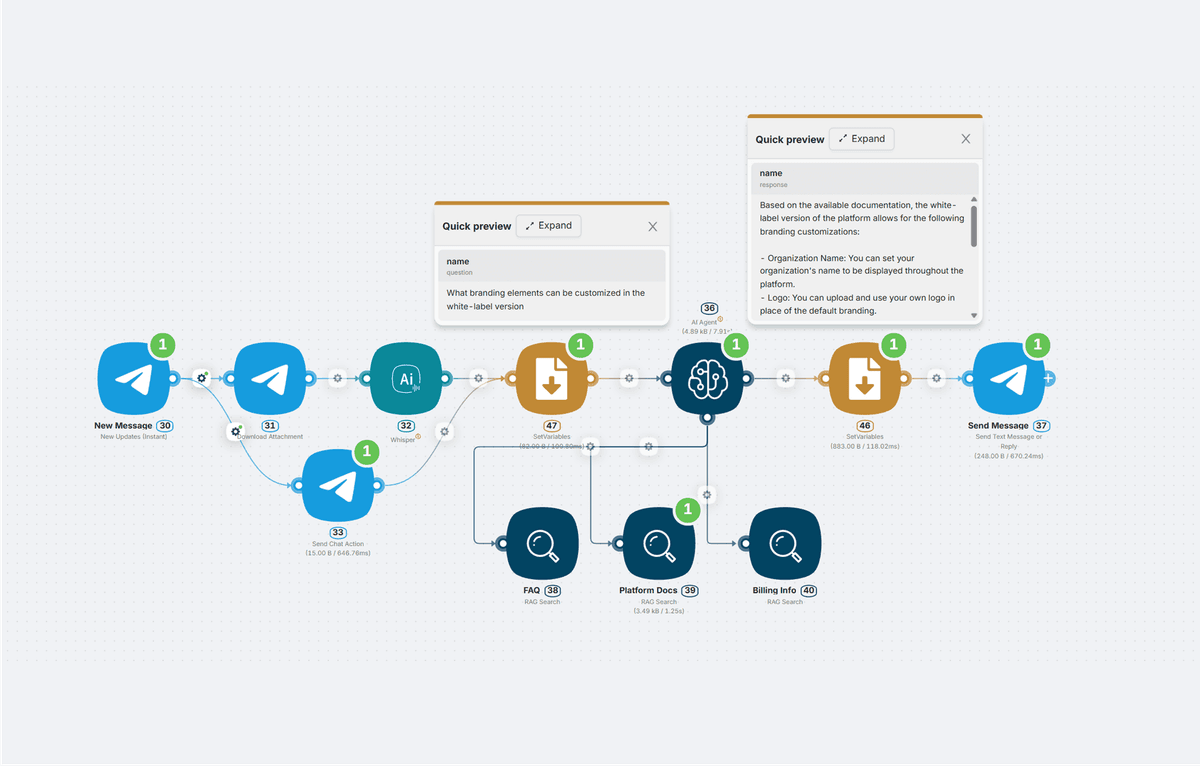
Chat with your workflow
Build AI agents
that run itBuild enterprise-ready AI agents from natural-language workflow descriptions
Want to see it live?Book a demo
Prefer to explore first? See agent capabilities →
Turn Repetitive Operations Into AI Agents
Still stuck with manual handoffs? Build AI agents that automate the work end-to-end and take action across your stack.
A manual process that takes 270 minutes can become a 15-minute automated run. Quite a difference, isn't it?
Potential team savings
$270K
based on 33 employees saving ~32 minutes per workday at $60/hr loaded labor cost.
/year
We can model ROI for your specific business processes, including estimated savings, payback period, and automation scope.
Request ROI PDF
Tailored PDF model · No generic calculator
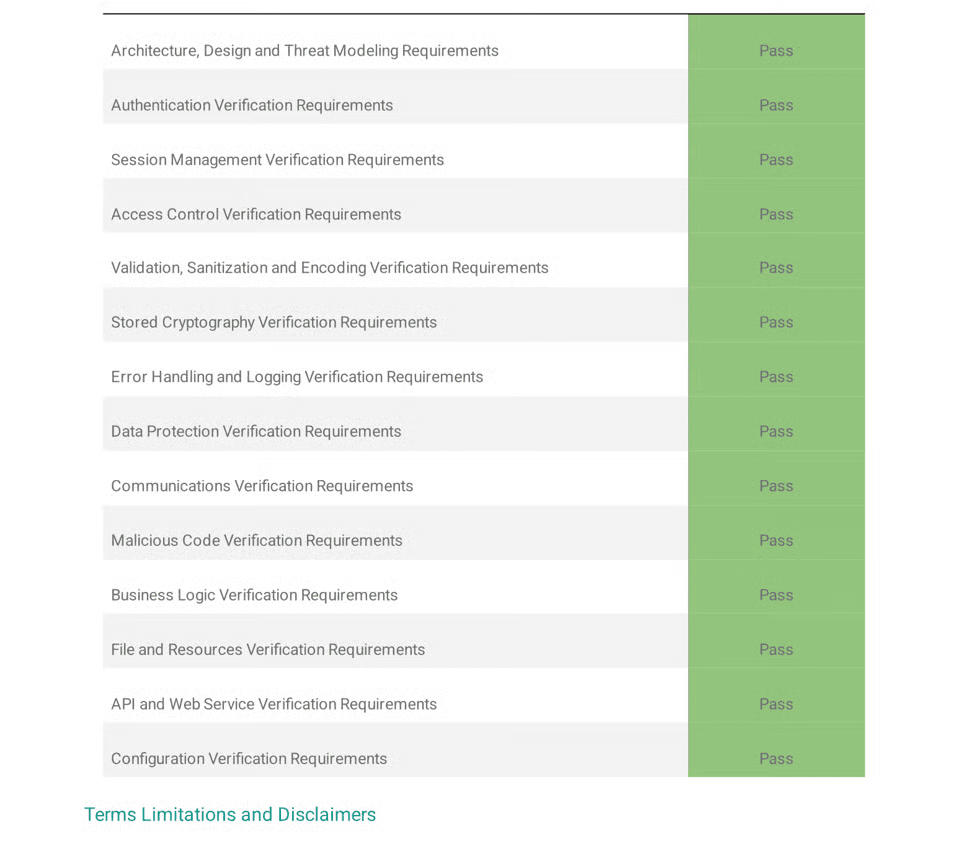
Built for enterprise scale, security, and compliance
Latenode agents meet the security, uptime, and control standards your operations need — so teams can automate critical workflows without slowing down.
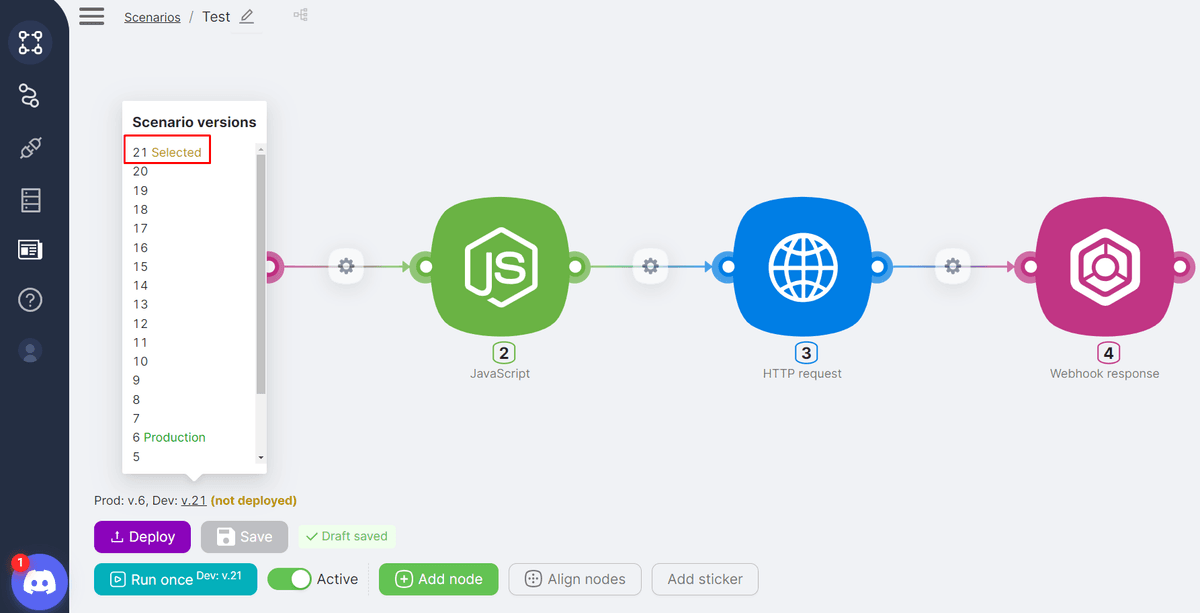
Visual canvas
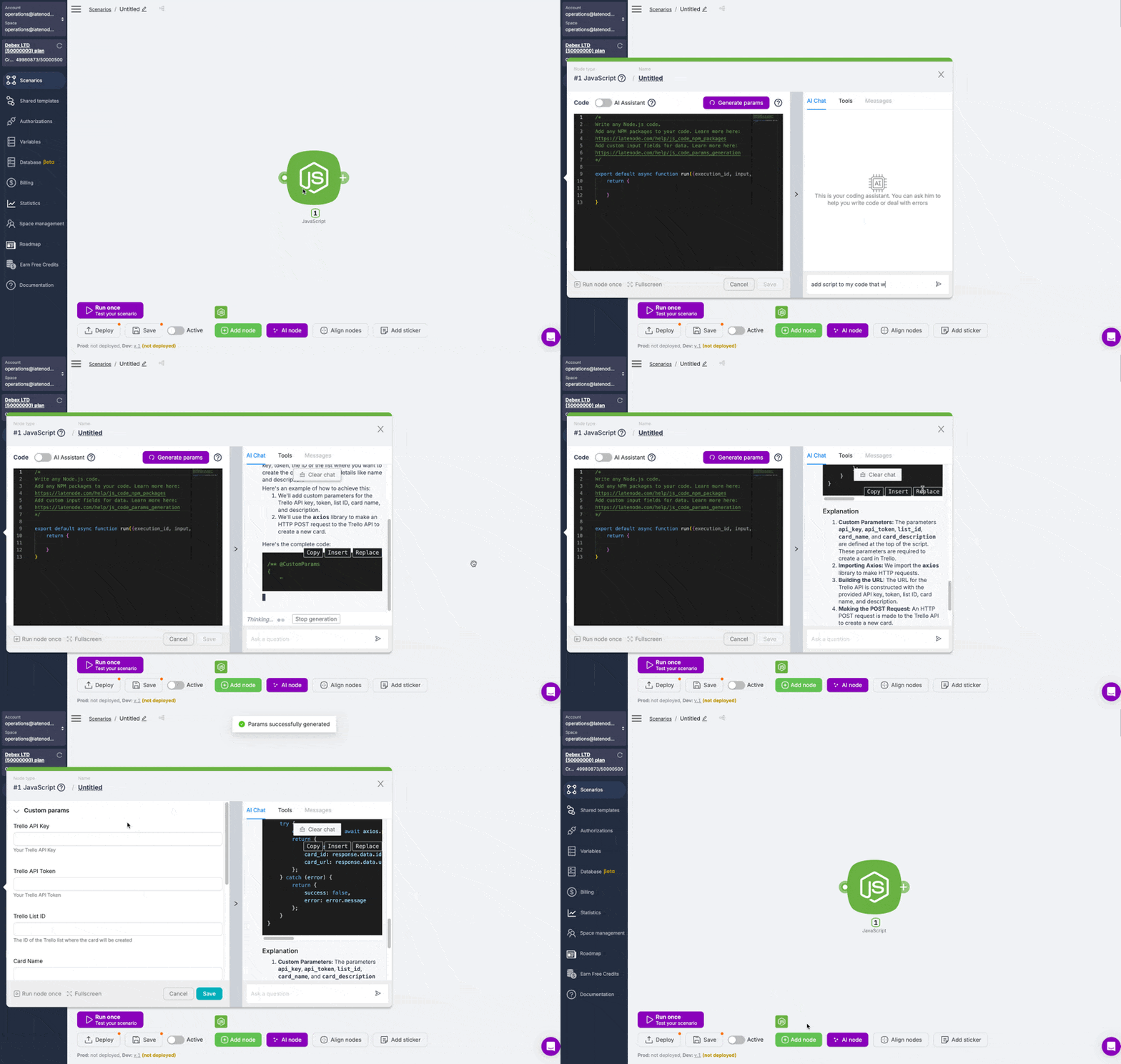
Guided build
Pricing model
Traditional tools
Per operation
Every node, branch, retry, and API call can add cost.
VS
Latenode
Processing seconds
No separate fee for every operation inside the workflow.
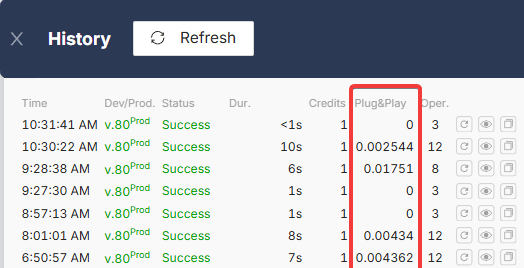
No per-operation fees. Build deeper agent workflows while usage follows actual processing time, not workflow complexity.


AI Agents that run your entire business pipeline
Open a workflow area to see how Latenode agents support repeatable work across sales, customer service, finance, marketing, and HR.
Sales workflow automation
Conversational customer service
Finance automation and decision support
Marketing operations
HR and employee workflows
Automate repetitive sales work from intake to follow-up. These agents qualify leads, keep CRM records current, help SDRs respond faster, and surface the next best action for reps.
Example agent tasks
Lead qualificationCRM recordsSDR repliesDeal scoringMeeting schedulingPipeline alerts
Build for every type of business
Launch AI agents for regulated, operational, and customer-facing workflows across specialized business niches.
Healthcare
Route patient requests, summarize records, coordinate approvals, and keep care operations moving with audit-ready workflows.
↗Real estate
Qualify leads, update listings, prepare documents, schedule follow-ups, and sync deal data across CRMs and portals.
↗Supply chain
Monitor orders, flag exceptions, coordinate vendors, update inventory systems, and automate shipment notifications.
↗Ecommerce
Automate order updates, customer replies, product data enrichment, returns, promotions, and fulfillment workflows.
↗Insurance
Collect claim details, validate documents, route approvals, notify customers, and update policy systems automatically.
↗Pharmacovigilance
Intake safety cases, classify reports, enrich records, escalate signals, and keep regulated review workflows traceable.
↗What managers and founders say about Latenode
Proof from operators, founders, automation experts, and mid-market teams using Latenode for real workflows — not toy demos.
01/05
 Zebra Technologies
“Make was not going to scale for us. Latenode helped manage reporting and alerts for customer projects reaching up to 500 stores.”

 PB
PB

From simple automations to production-ready agents, Latenode brings AI models, custom logic, and safeguards into one visual studio.
FAQ
What is an AI agent builder?
An AI agent builder is a platform to create, connect, and manage agents that reason, act, use a tool, and take action across apps. Latenode's agent builder combines a visual studio, coding support, 5,500+ integrations, and control in one place.
Do I need to know how to code to build agents?
No. You can build agents with Latenode's visual builder without writing code. For custom logic or API calls, write code when needed.
Can I use my own sources and systems?
Yes. Latenode connects to databases, CRMs, APIs, file storage, webhooks, and MCP servers. Give each agent the data sources it needs and query them directly at runtime.
How do I launch an AI agent once it's built?
Publish agents as API endpoints, scheduled jobs, webhook triggers, or embedded actions inside another tool. The same process you build and test runs in production with no migration.
Can I use Latenode for complex enterprise use cases?
Yes. Combine natural language, prompt design, custom logic, approvals, and integrations to deliver flexible processes for advanced work.
Learn how agents understand, decide, and act
Guides for teams building agents from first release to observability, architecture choices, and enterprise rollout.
Guide
What is AI Agent: Artificial Intelligence Agents Explained
See the power of autonomous agents in automation, decision-making, and operating efficiency.
TutorialHow to Build an AI Agent from Scratch: Developer Tutorial + Code Examples 2025
Learn how to assemble custom AI agents from scratch with essential architecture, one development step, and security measures.
Deep DiveAI Agent Architecture: Intelligent Design
Understand the core system patterns that enable reliable agentic design in a dynamic environment.
Use CaseAI Agent Use Cases: Practical Applications and Implementation Examples
See practical examples for service, marketing, and operations automation.
GuideAI Automation Agents in 2025: Implementation Strategies
Accelerate rollout with setting choices, testing loop design, integration planning, and speed improvements.