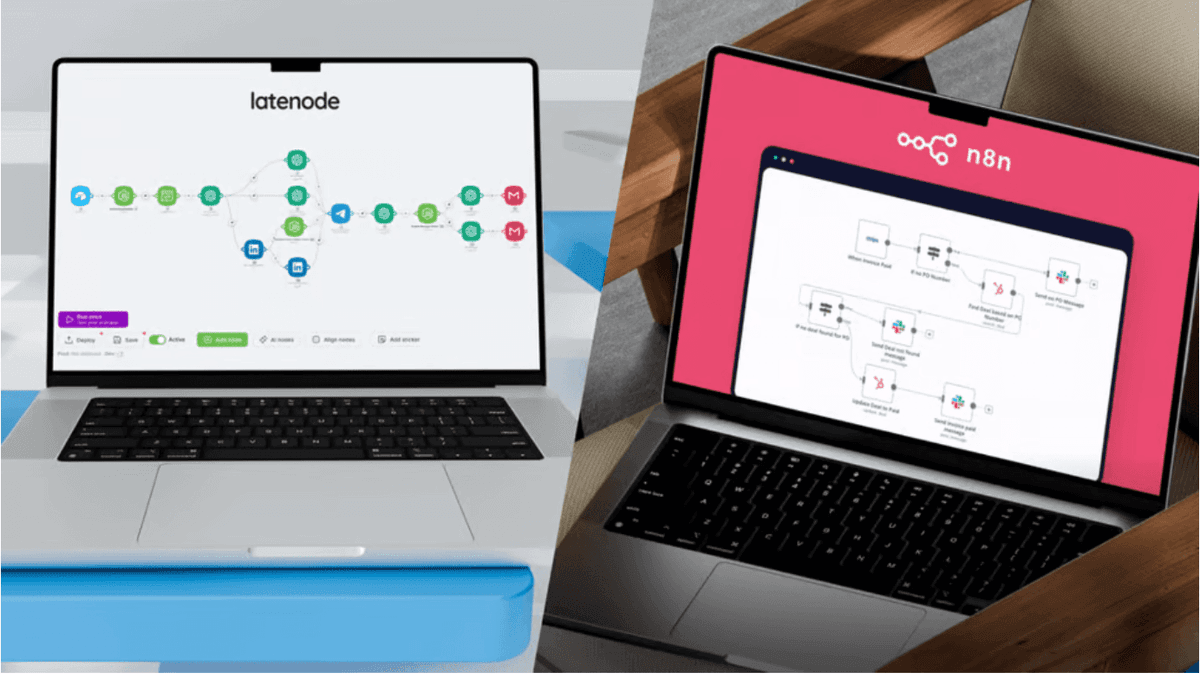
Overcoming iPaaS Limitations: Custom JavaScript Solutions in Latenode
discover how custom JavaScript overcomes iPaaS limitations. Learn to build a customized iPaaS solution using Latenode's serverless functions and AI Copilot.


Introduction
Every automation engineer eventually hits the "no-code wall." You build a sleek, efficient workflow using visual drag-and-drop tools, only to be stopped dead by a single, complex requirement—like a proprietary API authentication method or a nested JSON array that standard nodes just can't parse. While traditional no-code platforms promise accessible automation, they often force you into messy workarounds when logic gets complicated. This is where the ability to inject custom code transforms a rigid tool into a limitless ipaas solution. By combining visual builders with serverless JavaScript execution, you can solve the most stubborn integration challenges without maintaining standalone infrastructure.
The "No-Code Wall": Understanding iPaaS Limitations
The promise of iPaaS software is speed and simplicity. But as business requirements scale, the simplicity that once helped you move fast can become a bottleneck. The reality is that standard "out-of-the-box" connectors are designed for the most common use cases, not the specific nuances of your unique data architecture.
When Standard Nodes Aren't Enough
Pre-built integration blocks are like Lego bricks—they fit together perfectly as long as you're building exactly what the manufacturer intended. However, you inevitably face scenarios where the blocks don't fit: Unsupported API Endpoints: A service might have a connector, but it lacks the specific "Update User Metadata" endpoint you need. Complex Logic Loops: Implementing a "for-each" loop with conditional filtering and data aggregation often requires dozens of visual nodes, creating "spaghetti workflows" that are impossible to debug. _Proprietary Protocols: Some legacy systems use SOAP or older XML standards that modern JSON-centric low-code tools ignore.
The Data Transformation Bottleneck
Data rarely moves between systems in a clean, compatible format. A CRM might export dates as timestamps (e.g., `1672531200`), while your marketing tool demands ISO strings (`2023-01-01T00:00:00Z`). Handling these discrepancies with visual mappers is tedious. It becomes exponentially harder when dealing with nested arrays—like extracting every "blue" item from a list of orders inside a customer object. In standard automation tools, this often forces users to create multiple "helper" workflows just to format text. Understanding the basics of ETL (Extract, Transform, Load) reveals that transformation is often the most resource-intensive step, and doing it visually can be inefficient compared to a few lines of code.
Why Custom JavaScript is the Key to a Robust iPaaS Solution
To overcome these ipaas limitations, modern platforms are evolving into hybrid environments. They offer the visual speed of no-code with the raw power of full-code execution via serverless functions.
Serverless Flexibility in a Low-Code Environment
In the past, solving a custom logic problem meant writing a script, hosting it on AWS Lambda or Heroku, and setting up an API Gateway just to trigger it from your workflow. This introduced massive overhead. Latenode simplifies this by embedding the execution environment directly into the flow. You drag a JavaScript node into your scenario, and it acts as an instant, secured serverless function. It spins up, executes your logic, and shuts down—all within your existing ipaas solution. This approach to workflow automation for developers ensures that you never have to manage infrastructure just to run a simple data parsing script.
Access to the NPM Ecosystem
The true power of a customized ipaas solution isn't just writing `if/else` statements; it's leveraging the collective work of the global developer community._ Need to handle timezones? Import `moment-timezone`. Need heavy data manipulation? Import `lodash`. Need weird encryption? Import `crypto-js`. Instead of reinventing the wheel, you can import proven NPM packages directly into your Latenode workflow. This capability effectively removes the ceiling on what your automation can achieve. Discover Latenode's Developer Features
Latenode’s Approach: Bridging Code and No-Code with AI
Many operations managers shy away from code because they aren't developers. Latenode bridges this gap by using Generative AI as a translator. You don't need to know the syntax; you just need to know what you want the data to do.
Using AI Copilot to Generate Code
Latenode's AI Copilot lives inside the JavaScript node. You provide a prompt in plain English, such as: "Take the incoming JSON array, filter out any users with a generic @gmail.com email, and format the remaining names to be capitalized." The AI generates the specific JavaScript code to execute that logic. It handles the syntax, variable declarations, and return statements. This democratization of code means non-technical users can build a complex customized ipaas solution without relying on engineering teams. For a deeper dive, you can learn how to generate workflows using AI Copilot to speed up your build time.
Visualizing Specific Data Structures
Code needs context. To manipulate data effectively, you need to see exactly what that data looks like coming from previous steps. Latenode's interface allows you to view the JSON output of triggers and preceding nodes. This transparency is critical for using operators in a node correctly. You can copy the variable path (e.g., `data["webhook"].body.email`) and paste it directly into your script or prompt, ensuring your code references the correct information every time.
Step-by-Step Tutorial: Solving a Complex Integration Problem
Let's tackle a real-world scenario: Transforming messy Webhook data from a legacy CRM into a clean format for a modern API. The Problem: Your CRM sends a flat list of order items with inconsistent capitalization and timestamp formats. Your destination API (e.g., an ERP system) requires a strictly formatted JSON payload with ISO dates.
Step 1: Setting Up the Webhook Trigger
First, add a generic Webhook trigger in Latenode. Copy the provided URL and configure your CRM to send data to it. Run the webhook once to capture a sample payload so you have real data to work with in the editor.
Step 2: Configuring the JavaScript Node
Add a "JavaScript" node connected to your trigger. This is where we break through standard ipaas limitations. Instead of dragging ten different "Text Formatter" nodes, we will do it all in one block. You can manually write the function or let AI do the heavy lifting. The goal is to inject custom JavaScript code that accesses the `trigger.body` data structure. Example Code Concept: javascript // Accessing data from the trigger const leads = data["{{1.body}}"]; // '1.body' represents the ID of your webhook node output
Step 3: Utilizing NPM Libraries for Data Parsing
Let's say we need to group these flat orders by "Region" and fix the dates. We can use the `lodash` library for grouping and `moment` for dates. In the Latenode code editor, you can instruct the AI Copilot: "Import lodash. Group the incoming `leads` array by the 'region' field. Then, for every lead, convert the 'signup_date' to YYYY-MM-DD format." If you prefer coding manually, you might write a script to transform individual objects into an array that matches your destination schema: javascript / Example Logic / const moment = require('moment'); })); return processedData;
Step 4: Returning Values to the Workflow
The final step in your script is the `return` statement. Whatever object or array you return becomes immediately available as a JSON variable for the next node. You can now map `cleanDate` or `status` directly into a Slack notification, Google Sheet, or API request node. Try AI Copilot Now
Advanced Use Cases for Custom Scripting in Latenode
Once you are comfortable with code nodes, you can tackle challenges that are impossible in rigid iPaaS software.
Handling HMAC and Cryptographic Signatures
Financial and crypto APIs often require you to sign every request using a secret key and a hashing algorithm (like HMAC-SHA256). Visual builders rarely support dynamic header generation of this complexity. With a JS node, you can import `crypto-js`, generate the hash based on the timestamp and body content, and pass that signature to your HTTP request headers.
Advanced Regex and Text Extraction
Imagine parsing an email body to find a specific Invoice ID that follows a pattern like `INV-2023-XXXX`. Visual "text find" tools are clunky. A simple JavaScript Regex line: `const invoiceId = emailBody.match(/INV-\d{4}-\w{4}/)[0];` This extracts exactly what you need in milliseconds, keeping your workflow clean.
Custom API Requests with Unique Headers
Some APIs defy standards—they might require XML bodies, custom `X-Auth-Token` headers, or specific content-type handling. By using the `axios` or `fetch` libraries inside a code node, you gain total control over the raw HTTP request, bypassing the constraints of generic "HTTP Request" nodes found in most platforms.
Best Practices for Maintaining Hybrid Automation
Mixing code and no-code creates a powerful ipaas solution, but it requires good hygiene to remain maintainable.
Error Handling (Try/Catch Blocks)
External APIs fail. Data formats change. To prevent your entire automation from crashing, wrap your custom logic in `try/catch` blocks. If the script fails, catch the error and return a specific "error" object. You can then use a "Filter" node in the visual builder to route this error to a notification channel (like Slack) so you can investigate without stopping the business process.
Commenting and AI Documentation
The biggest risk of custom code is that you—or your successor—will forget what it does. Use the AI Copilot to not only write the code but also to comment it. Ask the AI: "Add comments explaining each step of this transformation script." This ensures that anyone looking at the node later understands the logic. Robust documentation is a key step when you generate secure workflows that comply with company standards.
Frequently Asked Questions
Do I need to be a developer to use JavaScript in Latenode?
No. While knowing JavaScript helps, Latenode's AI Copilot can write, debug, and optimize code for you based on natural language instructions. It acts as a bridge for non-technical users.
How does credit consumption work for custom code?
Latenode operates on a pay-per-compute model rather than a per-task model. This means you are billed for the execution time (30-second blocks) rather than the complexity of the script. A script processing 1,000 array items in a few seconds consumes vastly fewer credits than 1,000 separate visual operations.
What is a good alternative to Zapier for complex logic?
If you are hitting limits with linear automation and costs, Latenode is a strong alternative to Zapier. It allows for non-linear branching, headless browser capabilities, and custom code execution at a fraction of the cost for high-volume workflows.
Can I use external libraries in my script?
Yes. The JavaScript node in Latenode supports importing standard NPM packages. This gives you instant access to thousands of libraries for data manipulation, encryption, date formatting, and more.
What happens if my script has an infinite loop?
To protect your workflow and credit balance, Latenode enforces execution timeout limits. If a script hangs or loops indefinitely, the platform will terminate the execution and flag an error.
Conclusion
The future of automation isn't about choosing between code and no-code—it's about merging them. iPaaS limitations are often just interface limitations, and the ability to inject custom JavaScript removes those barriers entirely. Latenode creates a unique environment where visual builders handle the broad strokes of your workflow, while custom code nodes—assisted by AI—handle the intricate details. This customized ipaas solution empowers technical marketers and ops teams to say "Yes" to complex requirements that would simpler platforms couldn't handle. Whether you are parsing simple dates or authenticating with cryptographic signatures, the flexibility of serverless functions within your automation platform is the key to scalability. For a broader look at how different platforms handle these challenges, explore the similarities and differences of automation tools to find the right fit for your stack.